Skip to product information
1 of 7

Brand Presentation Deck Canva Template

Brand Presentation Deck Canva Template

$76.00 USD
Canva

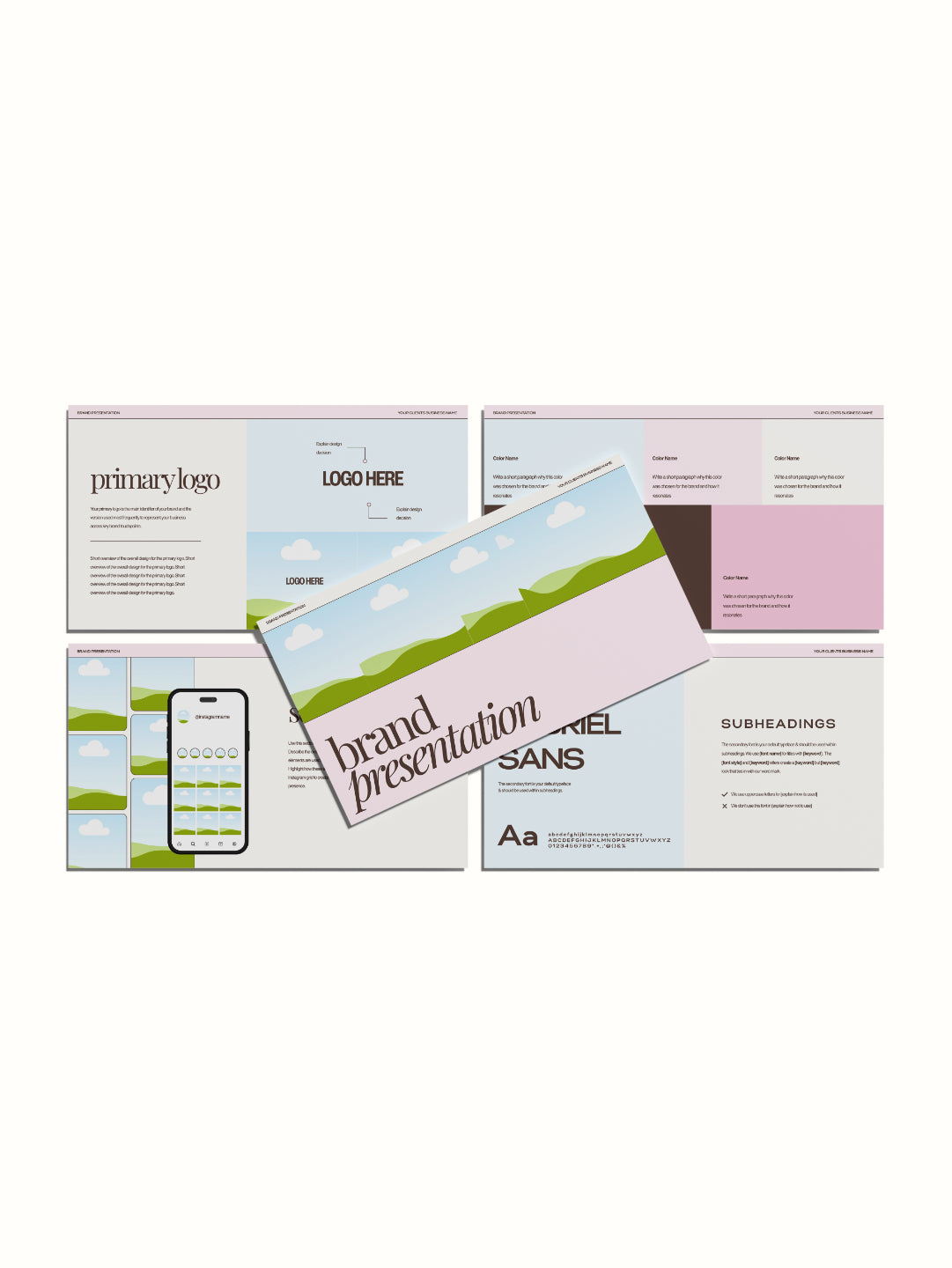
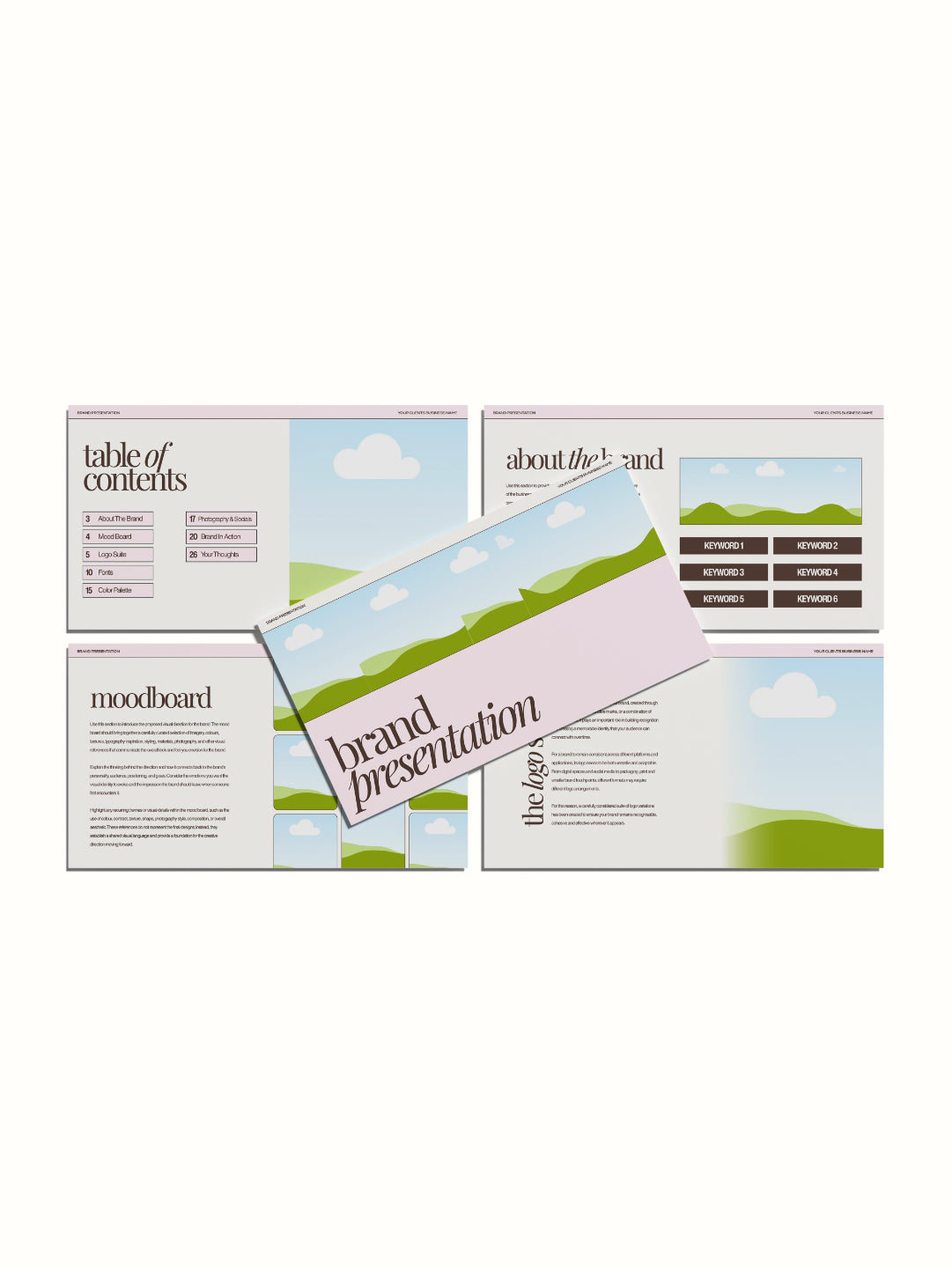
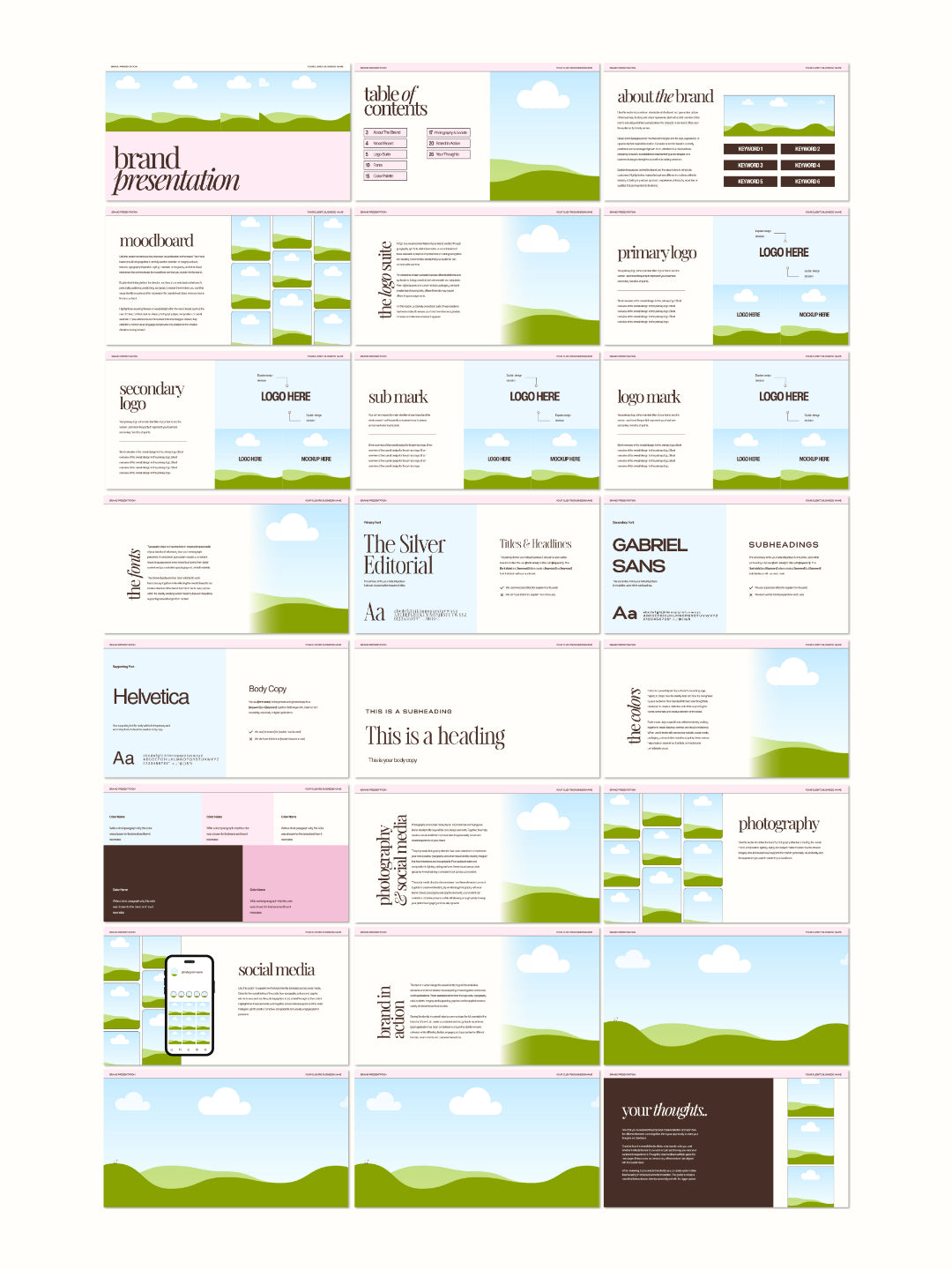
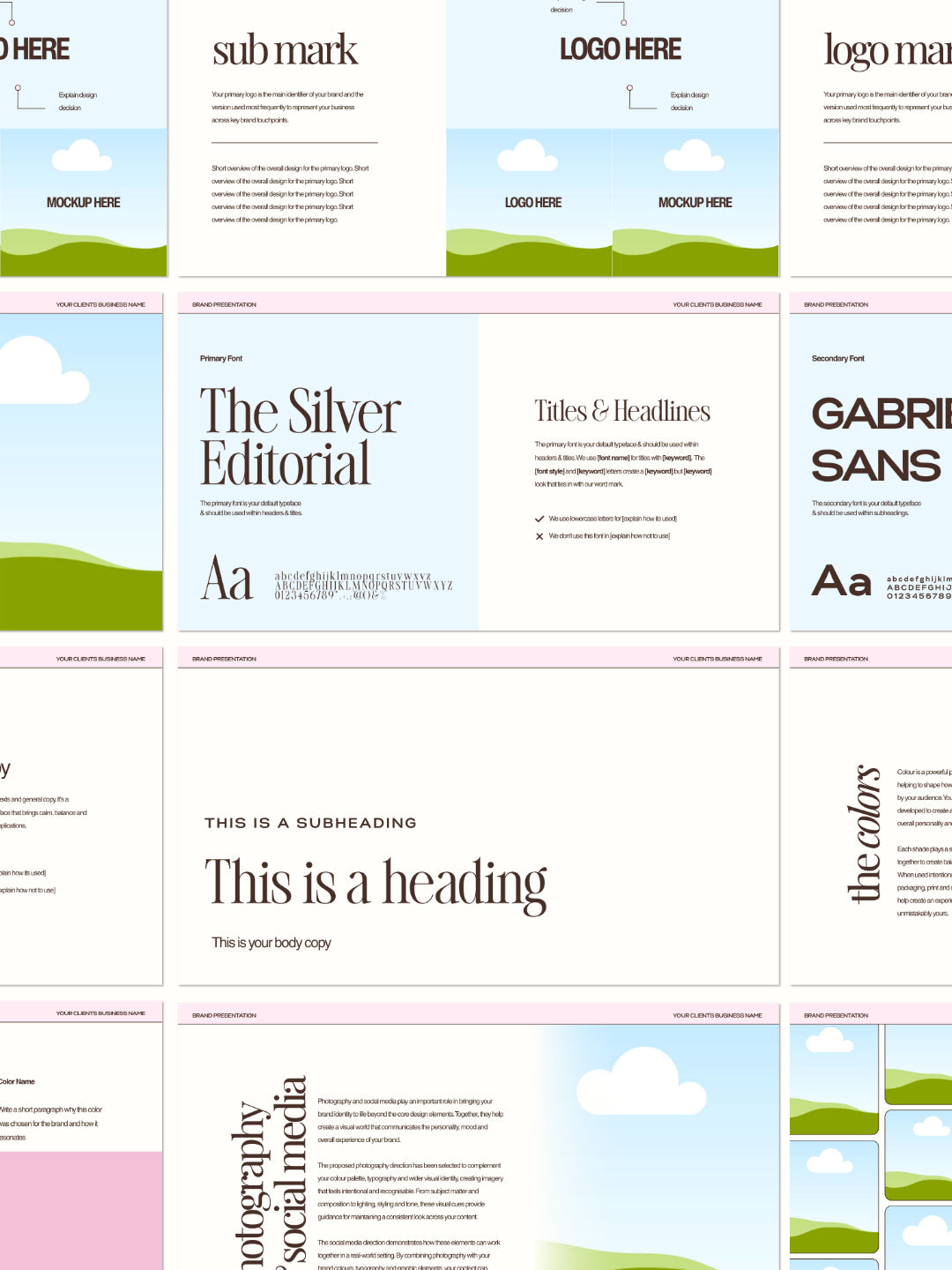
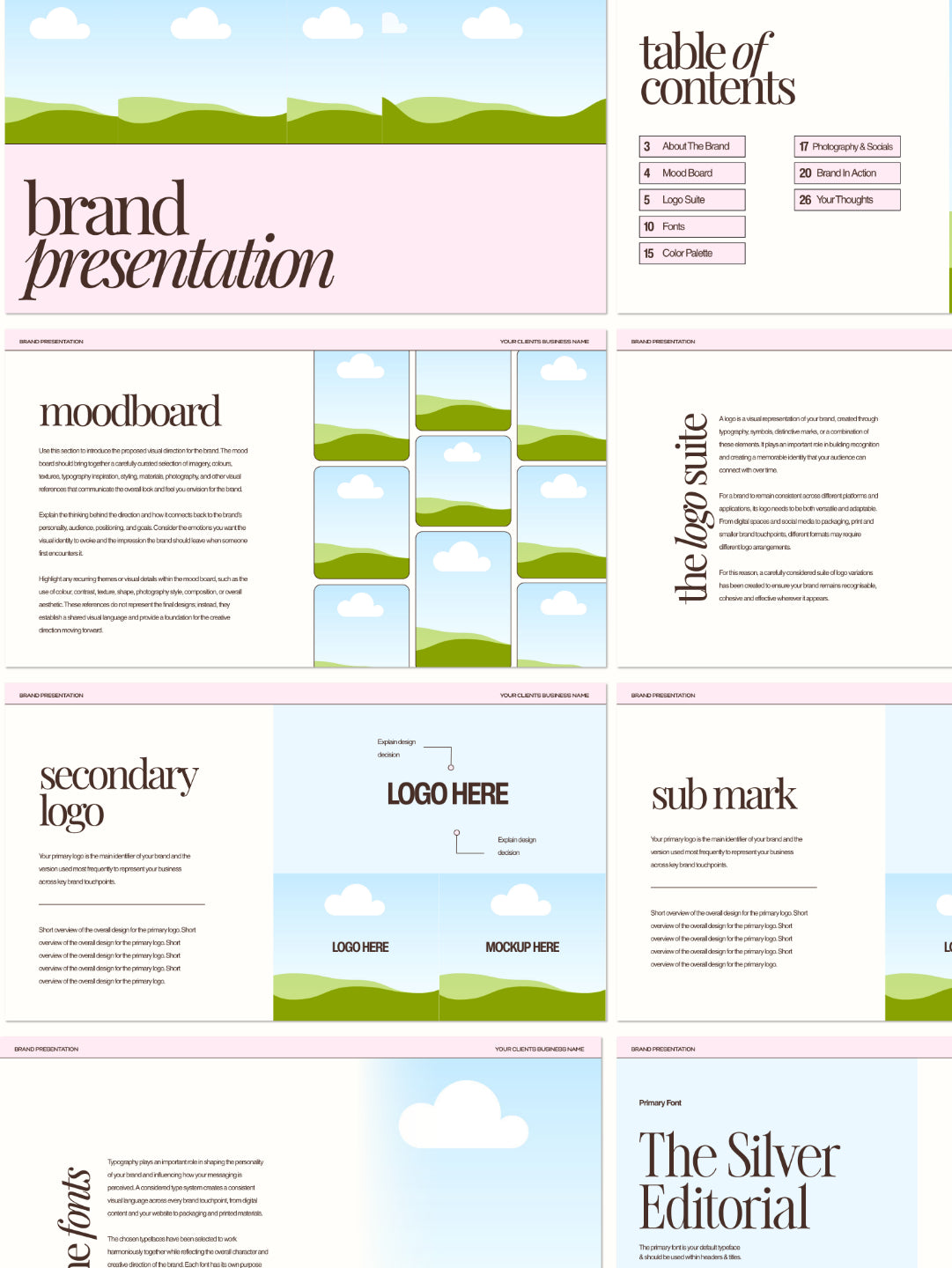
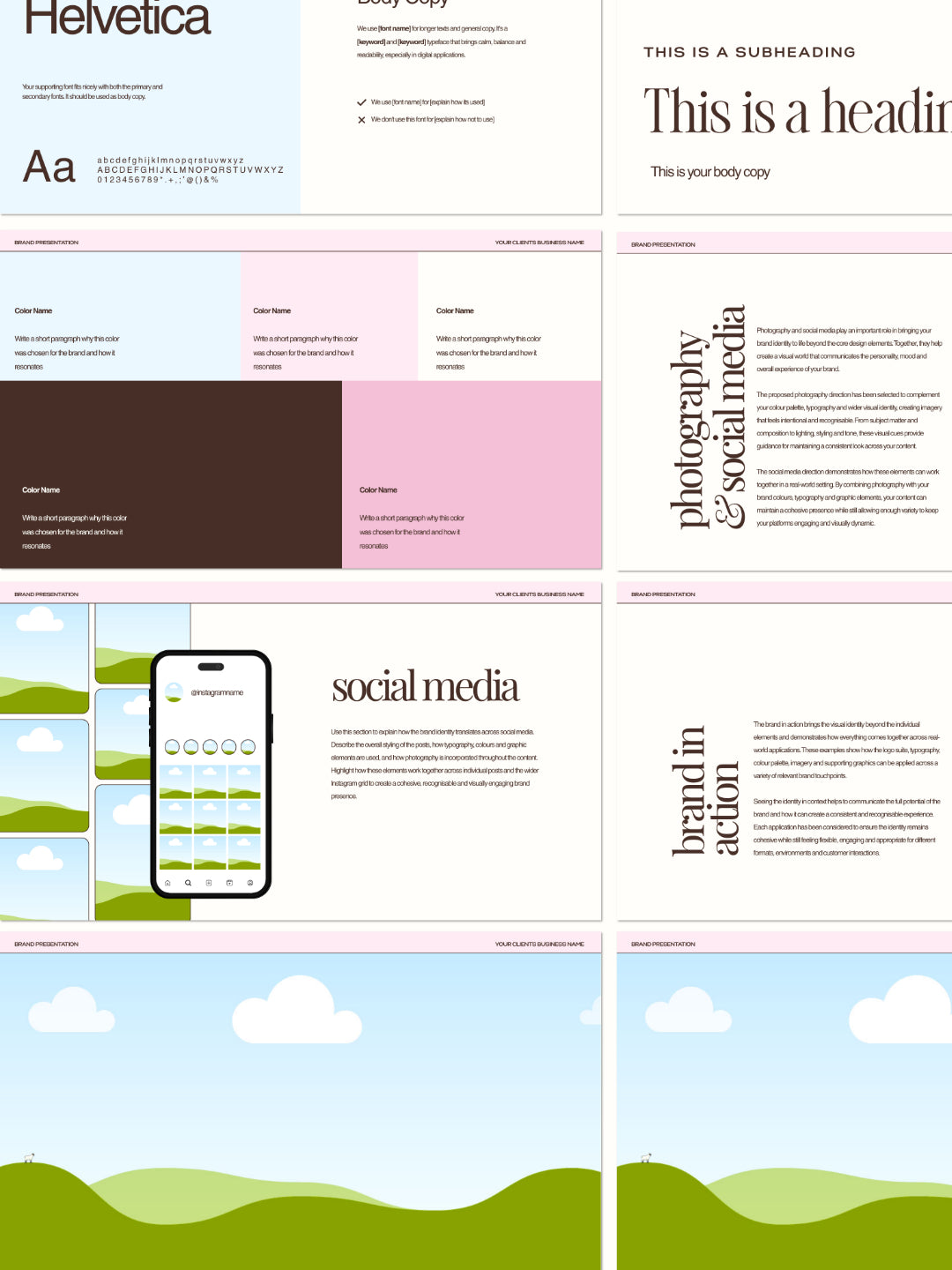
Get a complete 26-page brand presentation deck template for Canva. Professional presentation where you showcase the full brand identity including moodboard, logos, typography, color palette, photography style, and branding applications. Fully customizable colors, text, fonts, images, and all branding elements.

This template eliminates the design work of creating a brand presentation from scratch. Stop spending days compiling brand elements into a coherent presentation. Use this professionally structured template, customize with your brand work, and export as PDF to present to clients or stakeholders.

Perfect for brand designers, creative agencies, design studios, or anyone presenting complete brand identities to clients. The comprehensive 26-page structure showcases every element of a brand identity professionally, from logo variations to typography to real-world applications.

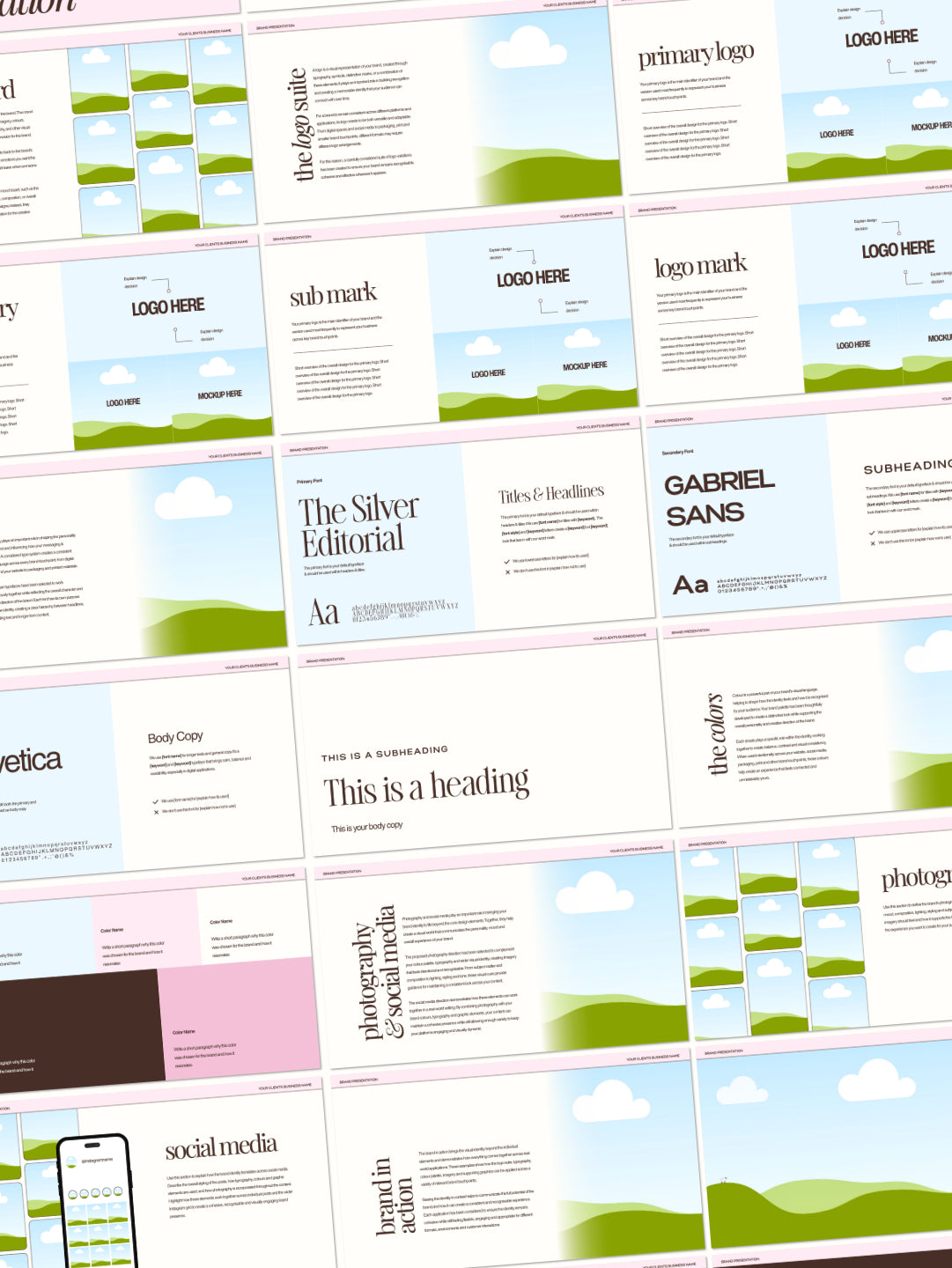
Includes comprehensive pages covering every element: cover page, table of contents, brand story, moodboard, primary logo, secondary logos, logo mark variations, color palette, typography showcase, heading styles, subheading styles, body copy, photography direction, social media templates, and real-world application examples.

Every section is fully editable. Customize the brand story, input logo variations, showcase color palettes, display typography selections, add photography examples, and demonstrate real-world applications. Create a presentation that looks professionally designed while your brand work takes center stage.

What's Included

26 Professional Pages:

  • Cover page (customizable title and branding)
  • Table of contents page
  • Brand story/about the brand page
  • Moodboard page (aesthetic inspiration)
  • Primary logo page (with applications)
  • Secondary logo page (mark variations)
  • Logo mark page
  • Color palette page (with color codes)
  • Primary font showcase page
  • Typography overview page
  • Heading styles page
  • Subheading styles page
  • Body copy styles page
  • Photography direction page
  • Photography examples page
  • Social media templates page
  • Heading styles applications page
  • Real-world application examples

How To Use

For Canva Users:

  • Access the Canva template link from your download
  • Duplicate the design to your Canva account
  • Replace placeholder images by dragging your designs onto the template
  • Edit text fields
  • Download as PDF to present to your client

Benefits

26 Comprehensive Pages - Complete brand presentation covering every element from cover to real-world applications in one cohesive presentation

Moodboard Showcase - Dedicated pages to display brand aesthetic, inspiration, and mood capturing the brand personality

Logo Variations - Pages for primary logo, secondary logo, mark variations, and logo applications showing different implementations

Typography Mastery - Complete typography showcase including heading styles, subheading styles, and body copy demonstrating font hierarchy

Color Palette Display - Dedicated color page showcasing brand color palette with color codes for consistency and implementation

Photography Direction - Pages showing photography style direction, examples, and mood guiding how brand imagery should look

Real-World Applications - Pages demonstrating how brand elements apply to business cards, social media, and other materials

No Pro Subscription Needed - Works with free Canva account, no paid subscription required to access or customize

Professional Aesthetic - Premium color scheme and design looks intentional and showcases your brand design work professionally

Fully Customizable - Every element editable to showcase your specific brand work, logo variations, and color palettes

Client-Ready Format - Organized presentation structure helps clients understand complete brand identity system

Multiple Export Formats - Export as PDF for printing, sharing digitally, or presenting in various formats

Unlimited Customization - Customize for different clients or projects across unlimited brand presentations

View full details
 

OUR templates IN USE


WHY OUR customers LOVE OUR PRODUCTS

A free Canva account will work for most elements, but some fonts or features may require Canva Pro. Where Pro is needed, I'll flag it in the product description so there are no surprises.

After purchase, you'll receive a link to your email. Just click, copy to your account, and start editing.

Some templates include an Affinity version as a bonus in the download; check the individual product listing to see if yours does. If it's included, you'll find it in your download alongside the Canva link.

Canva is designed to be beginner-friendly, and these templates are set up to make editing as simple as possible. If you get stuck, Canva's own help centre is a great resource, and you're always welcome to get in touch.

Due to the nature of digital products, refunds aren't available once the template has been accessed. If something isn't working as it should, reach out and I'll get it sorted.