- 8 styles
- Emboss and deboss
- Affinity
- .afstyles
Description
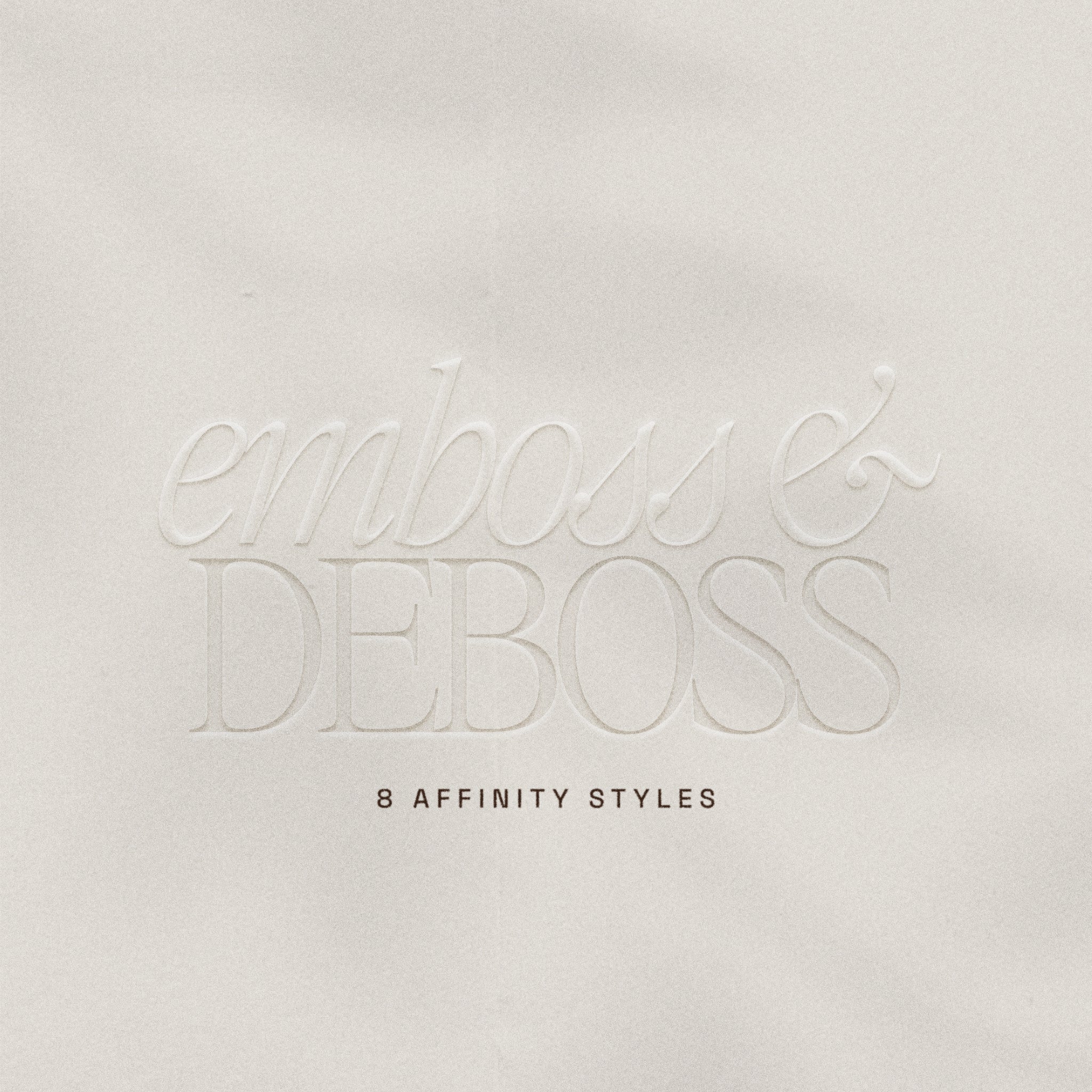
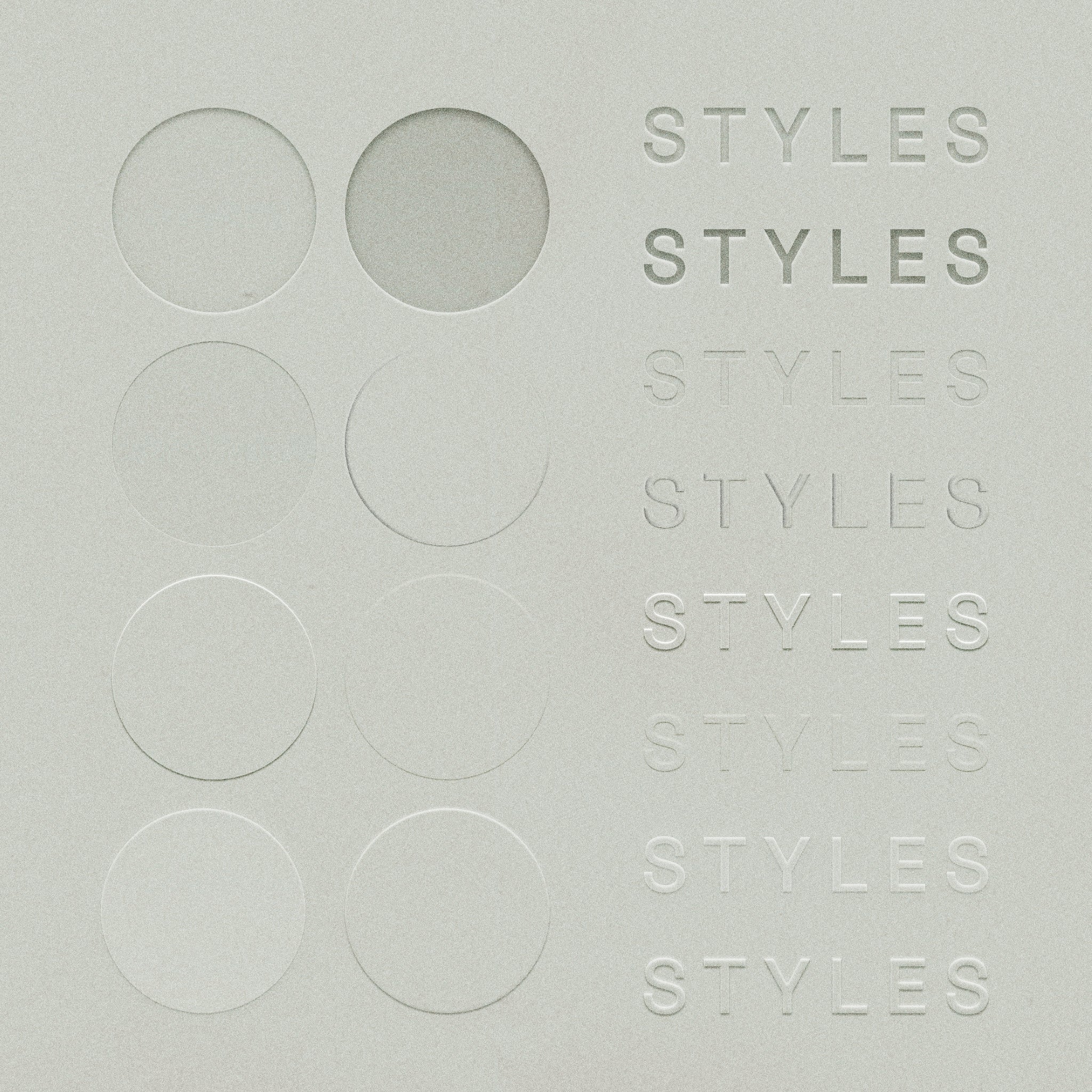
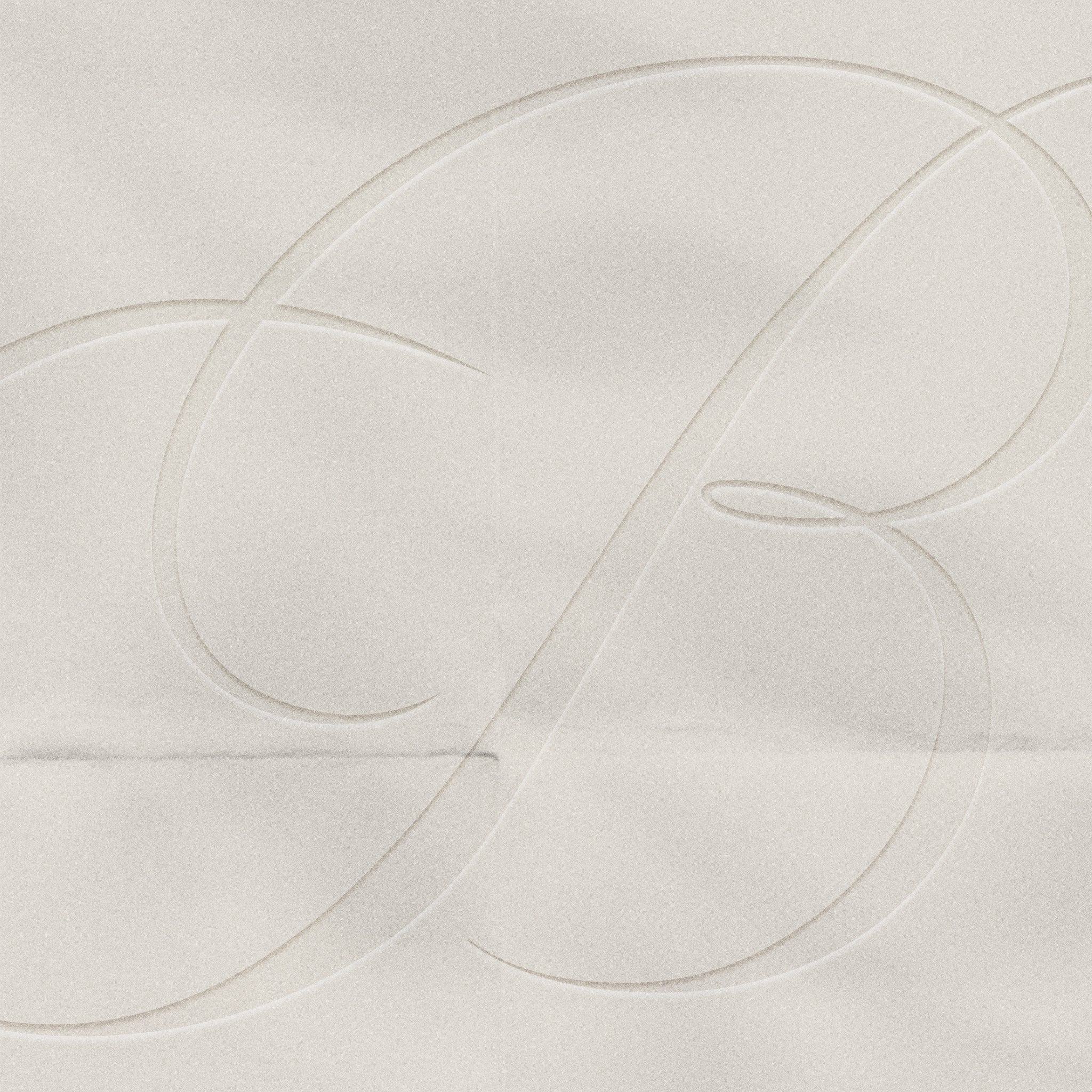
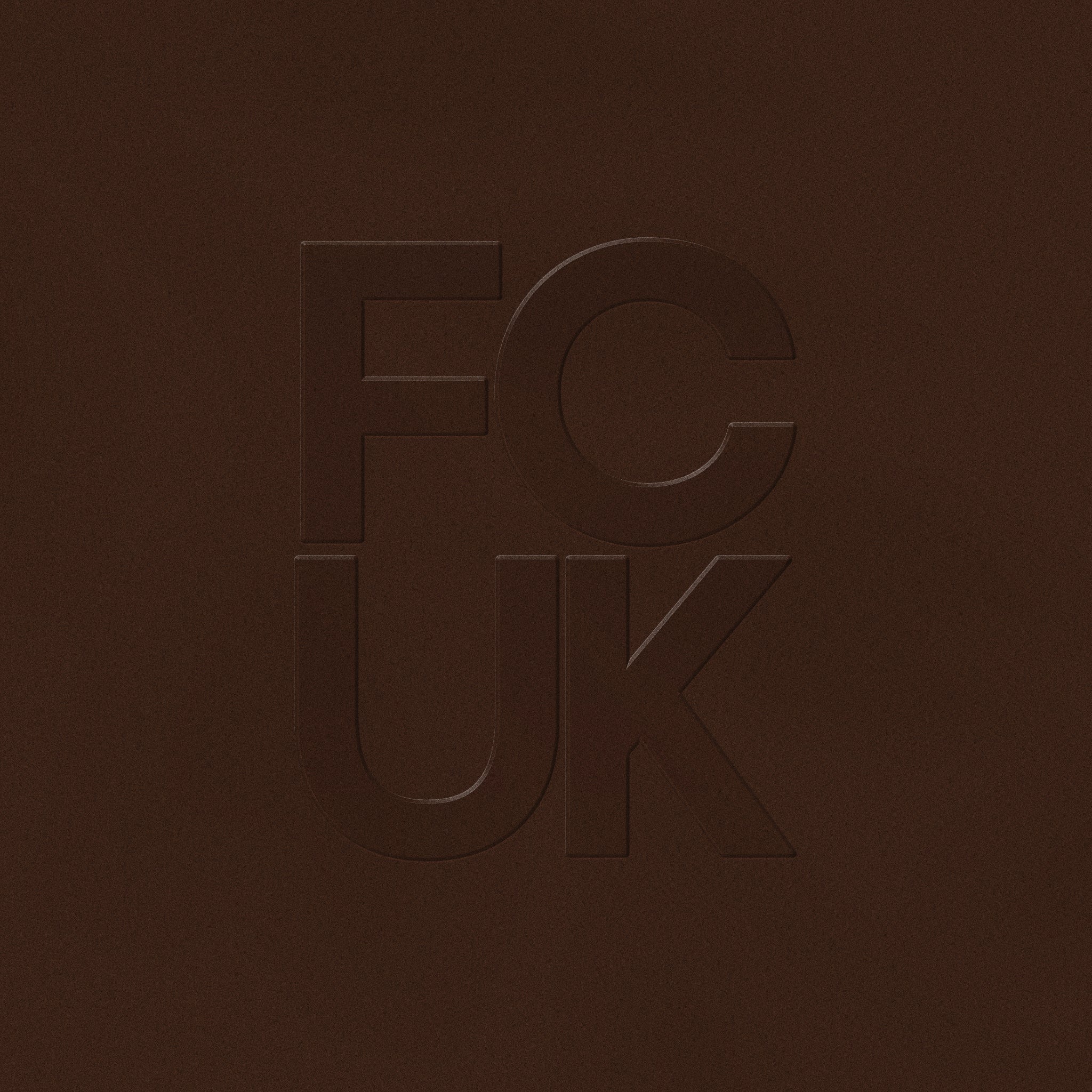
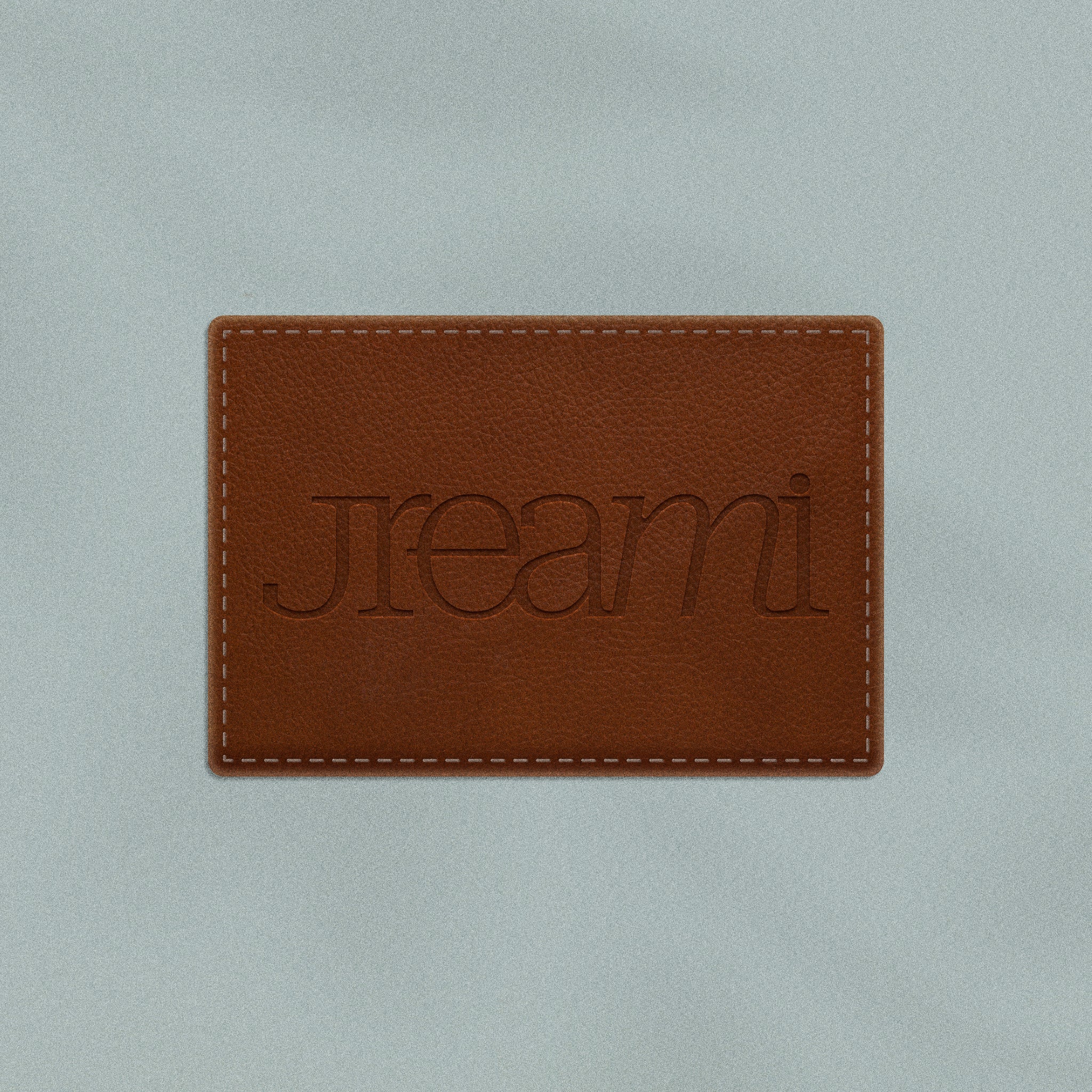
Eight emboss and deboss styles for Affinity that press your text and shapes into the surface or lift them out of it. Think blind-stamped invitations, monogrammed stationery and logos pressed into leather.
Made for designers who want tactile, expensive-looking details without faking them layer by layer: logos, monograms, packaging, labels and editorial typography.
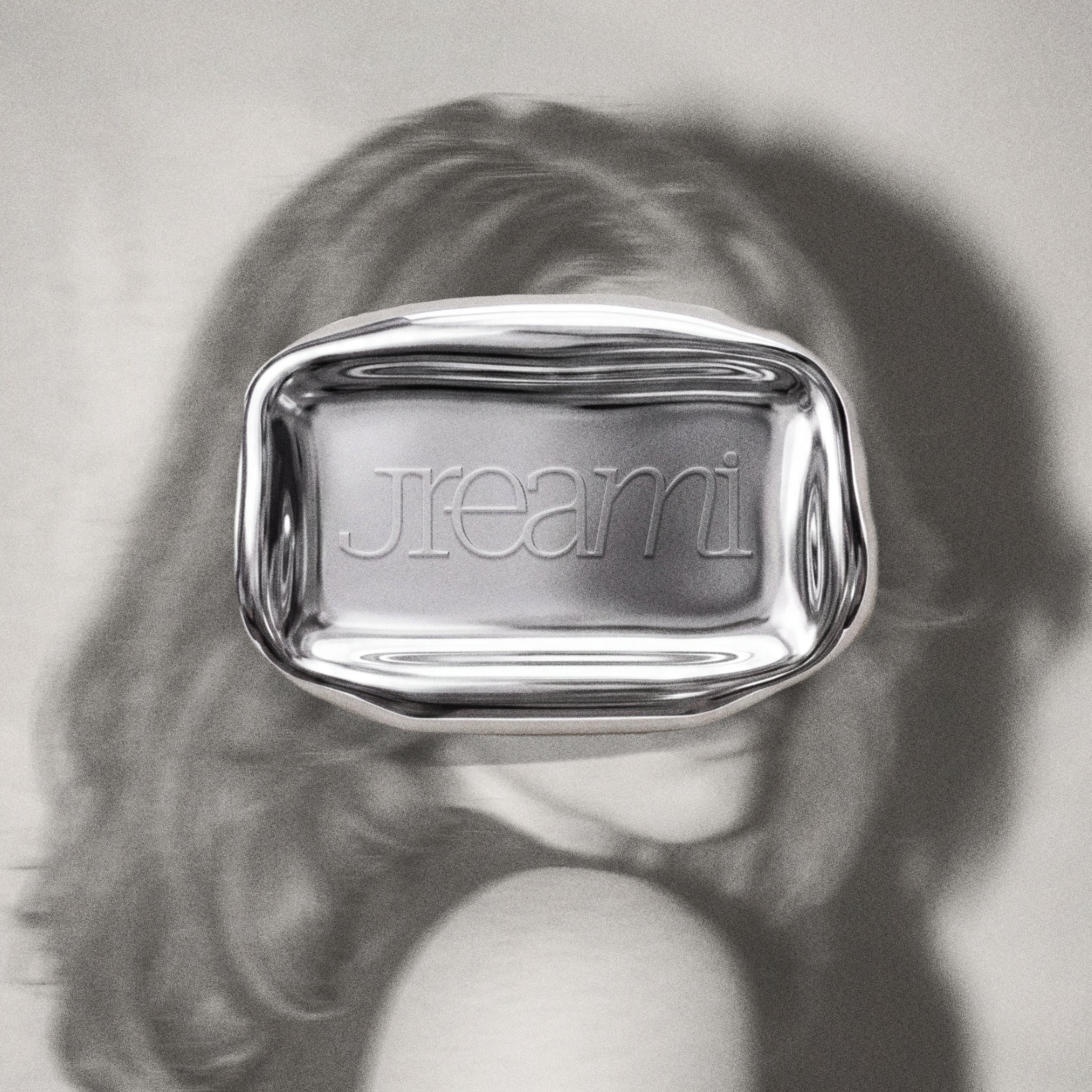
These are native Affinity styles, not overlays. Select your text or shape, click a style and it's raised or pressed. Put any colour, texture or image underneath and the effect sits right on top, as the paper, leather and chrome previews show.
Each style can be adjusted in Affinity, so you can fine-tune the effect to suit the project.
What's inside
- 8 emboss and deboss styles
- Native Affinity styles file (.afstyles)
Made for
- Blind-embossed logos and monograms
- Stationery and invitations
- Packaging and label designs
- Leather patch and brand mockups
- Editorial typography
What you can edit
- Any text or shape you apply them to
- Effect settings in Affinity
Questions
What software do I need?
Affinity. These are native Affinity styles, so they won't work in Canva or Photoshop.
What's the difference between emboss and deboss?
Emboss lifts your design up out of the surface. Deboss presses it in. This pack gives you both.
What can I apply them to?
Any text or shape. Select it, click a style and it's done.
Will they work on any background colour?
Yes. The styles create the raised or pressed effect, so you can put any colour, texture or image underneath and it sits right on top.

