Skip to product information
1 of 4

Instagram Interface Templates [6] Canva & Affinity

Instagram Interface Templates [6] Canva & Affinity

$24.00
Affinity
Canva

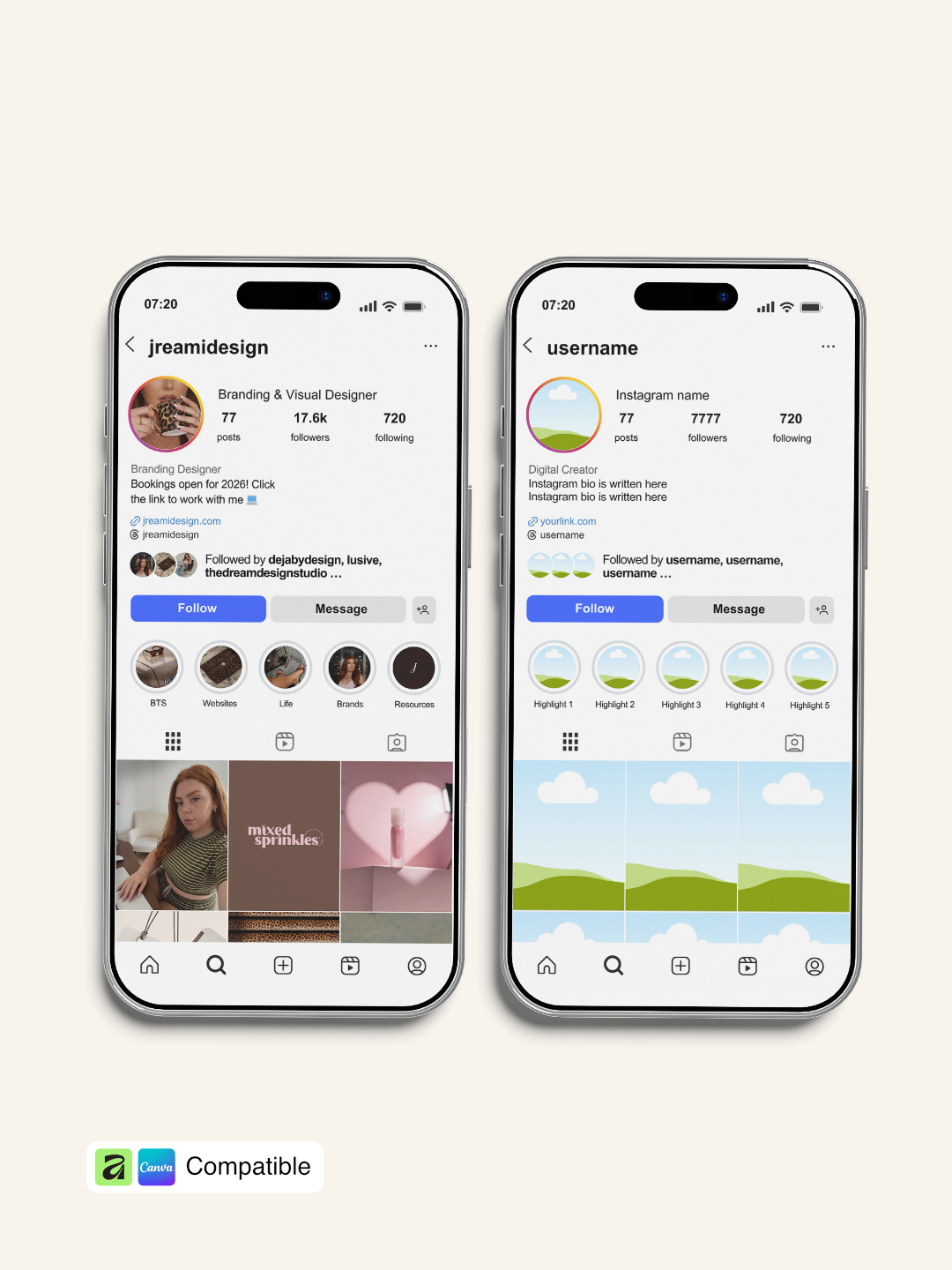
Stop screenshotting Instagram to show off your social media designs. These 6 professional Instagram interface templates give you the exact layouts you need to present content beautifully whether you're pitching to clients, building your portfolio, or creating course materials.

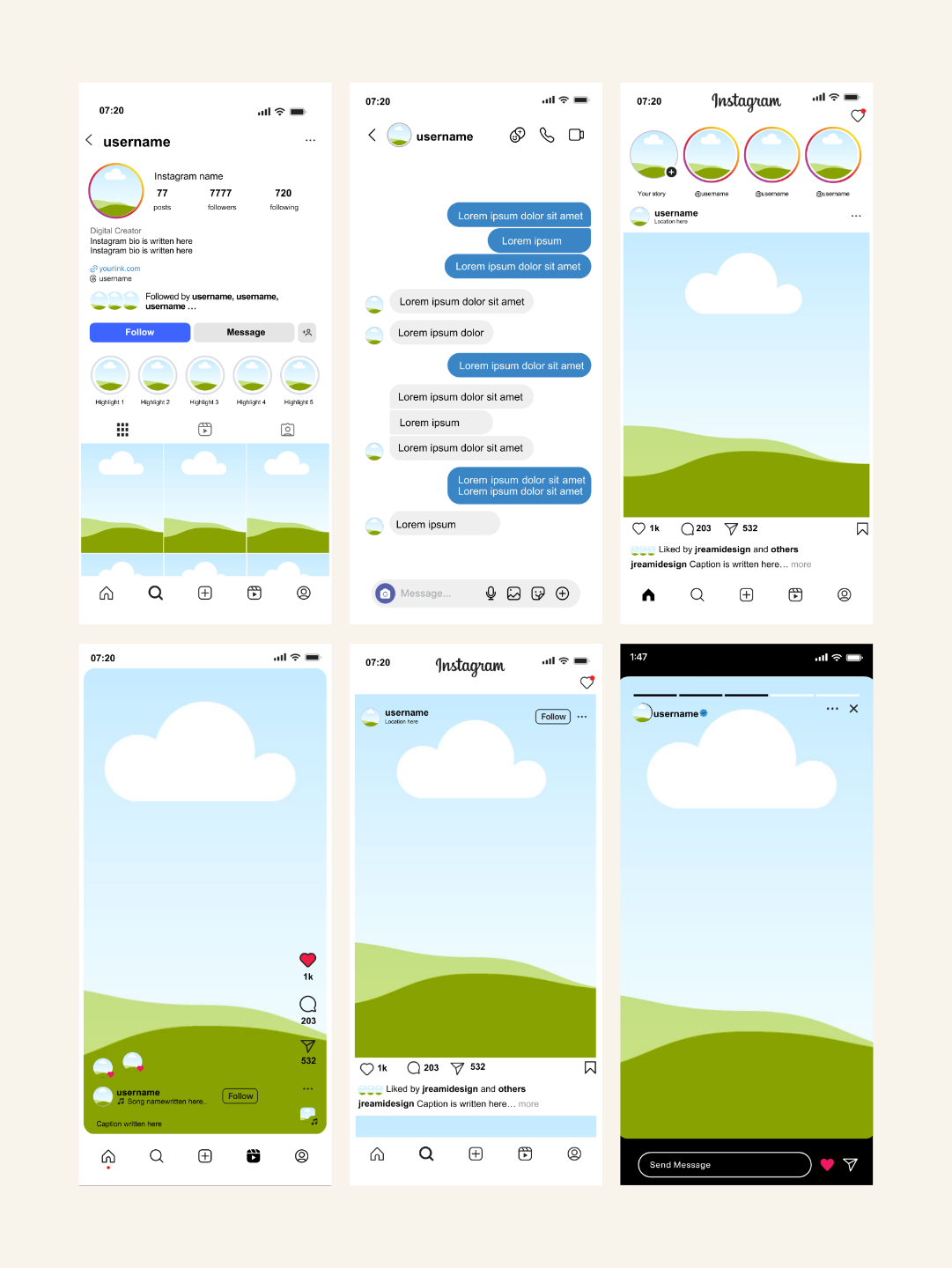
Each template recreates authentic Instagram interfaces including profile views, news feeds, reel posts, and story formats. The best part? You get BOTH Canva and Affinity versions in one purchase, so you can work in whichever platform fits your workflow.

Perfect for social media managers, graphic designers, content creators, and anyone who needs to present Instagram content with professional polish. No more blurry screenshots or outdated interface designs just clean, current templates that make your work shine

⚑
Instant Download Files ready immediately
πŸ”’
Secure Payment SSL Encrypted Checkout

What's Included

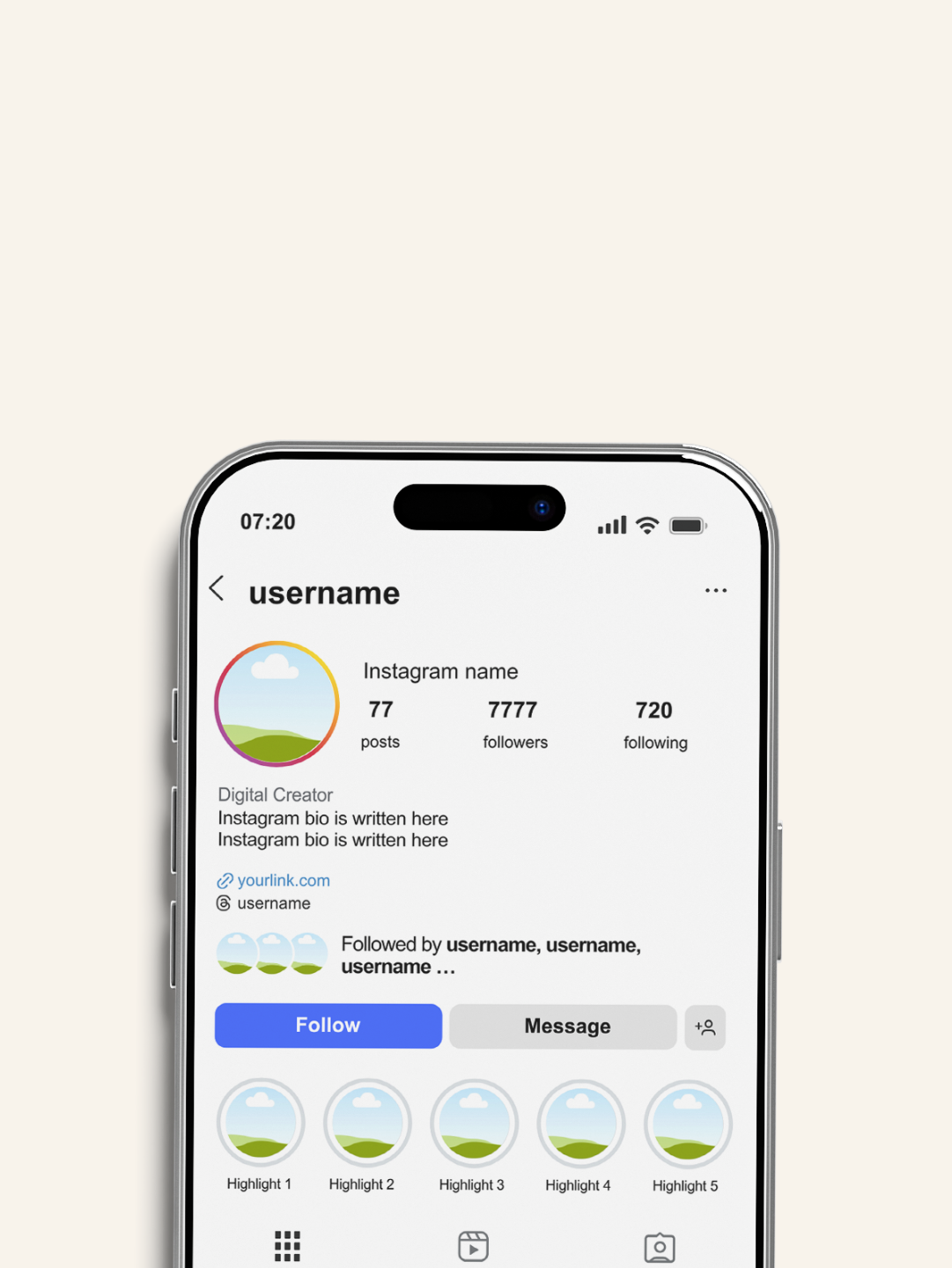
  • Instagram Profile TemplateΒ - Full profile view with bio, highlights, and grid layout
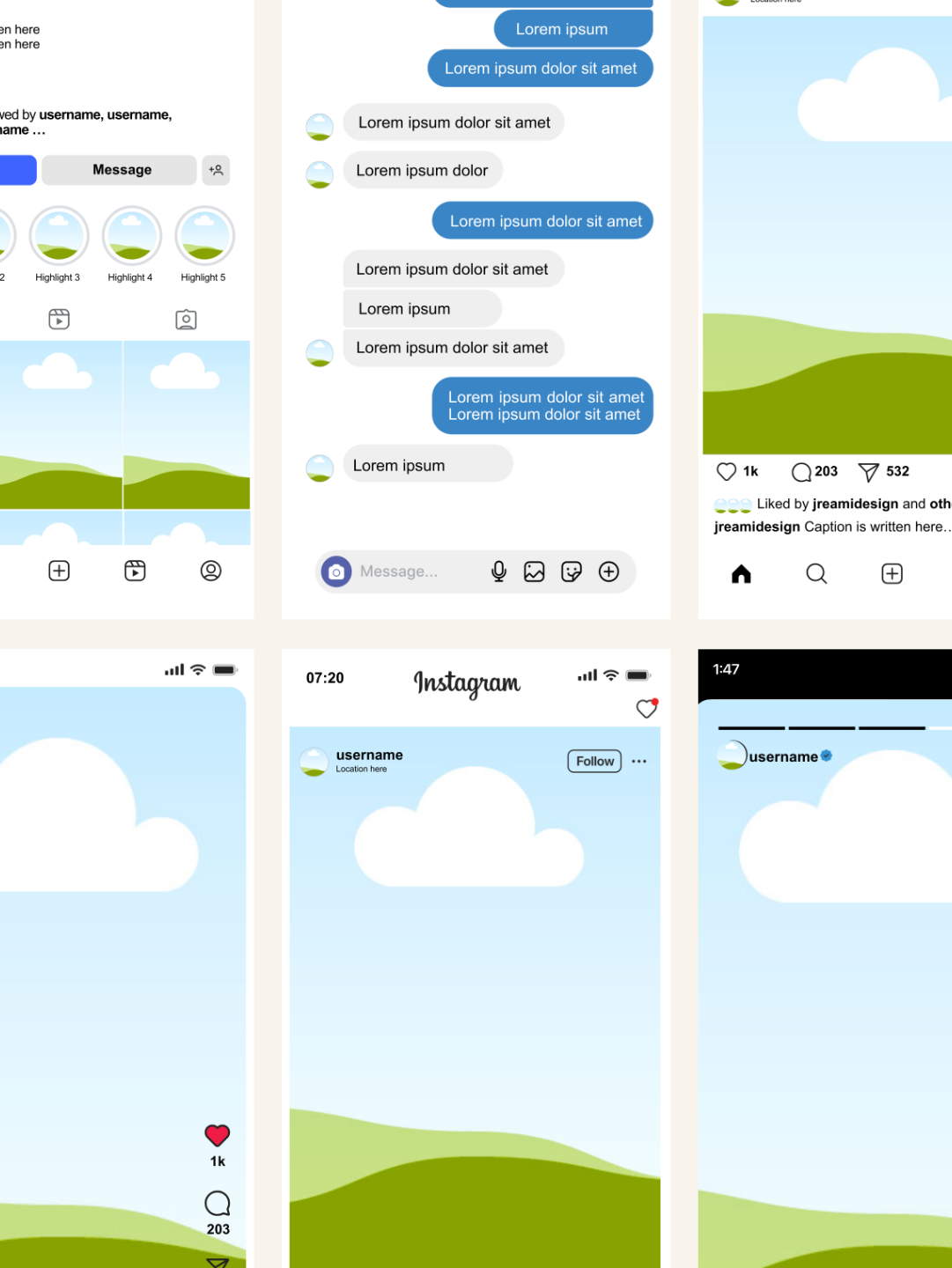
  • Instagram News Feed TemplateΒ - Standard feed post with likes, comments, and caption area
  • Instagram Reel Post TemplateΒ - Vertical reel format with engagement metrics
  • Instagram Story Post TemplateΒ - Full-screen story layoutΒ 
  • Instagram DM TemplateΒ - Full messages layout
  • Instagram Video TemplateΒ - Full home feed video layout with likes and caption area

Β 

  • Β Canva TemplatesΒ - Fully editable, drag-and-drop simplicit
  • Affinity FilesΒ (.af) - 6 artboards with smart embedded image layers

How To Use

For Canva Users:

  • AccessΒ the Canva template link from your download
  • DuplicateΒ the design to your Canva account
  • ReplaceΒ placeholder images by dragging your designs onto the template
  • EditΒ text fields (username, captions, metrics) to match your project
  • DownloadΒ as PNG or JPG and use in presentations, portfolios, or social media

Β 

For Affinity Users:

  • DownloadΒ the .af file to your computer
  • OpenΒ in Affinity Studio
  • SelectΒ the artboard for your desired Instagram interface (profile, feed, reel, or story)
  • Double-clickΒ the embedded image layer (works like a Photoshop smart object)
  • InsertΒ your design, then close the windowΒ (it automatically updates)
  • CustomizeΒ text layers with your own content
  • ExportΒ and present with confidence

Benefits

Dual Platform Flexibility

Why choose between Canva and Affinity when you can have both? Use Canva for quick edits and client collaboration, then switch to Affinity when you need advanced customization. Both versions included at no extra cost.

Smart Image Embedding (Affinity)

The Affinity files feature 6 artboards with embedded image layers that work just like Photoshop smart objects. Simply double-click the layer, insert your image, save, and it automatically fits the Instagram post area. No manual resizing or cropping needed.

Drag-and-Drop Simplicity (Canva)

The Canva templates are designed for maximum ease. Replace placeholder images with your designs, edit text fields, and customize colors all within Canva's intuitive interface. Perfect for team collaboration and quick turnarounds.

Authentic Instagram Layouts

These aren't generic social media templates. Each interface is carefully designed to match current Instagram layouts, including proper spacing, fonts, icons, and UI elements. Your mockups will look like real screenshots.

Fully Customizable Text

Every text element is editable usernames, display names, captions, comment counts, like numbers, timestamps, and more. Tailor each template to match your specific project or brand.

Time-Saving Efficiency

Stop wasting hours creating Instagram mockups from scratch or hunting for the perfect screenshot. These templates give you professional results in under 5 minutes per mockup.

Professional Portfolio Presentation

Transform how you showcase social media work. Instead of basic screenshots, present designs in polished, contextual Instagram interfaces that demonstrate how content actually appears on the platform.

View full details
 

Our templates in use


Answers to your questions

A free Canva account will work for most elements, but some fonts or features may require Canva Pro. Where Pro is needed, I'll flag it in the product description so there are no surprises.

After purchase, you'll receive a link to your email. Just click, copy to your account, and start editing.

Some templates include an Affinity version as a bonus in the download; check the individual product listing to see if yours does. If it's included, you'll find it in your download alongside the Canva link.

Canva is designed to be beginner-friendly, and these templates are set up to make editing as simple as possible. If you get stuck, Canva's own help centre is a great resource, and you're always welcome to get in touch.

Due to the nature of digital products, refunds aren't available once the template has been accessed. If something isn't working as it should, reach out and I'll get it sorted.

Why our customers love our products

YOU MAY ALSO LIKE THESE πŸ‘€