- 1 scene
- .af
- Video tutorial
- 4K, 300 DPI
- Affinity 3
Description
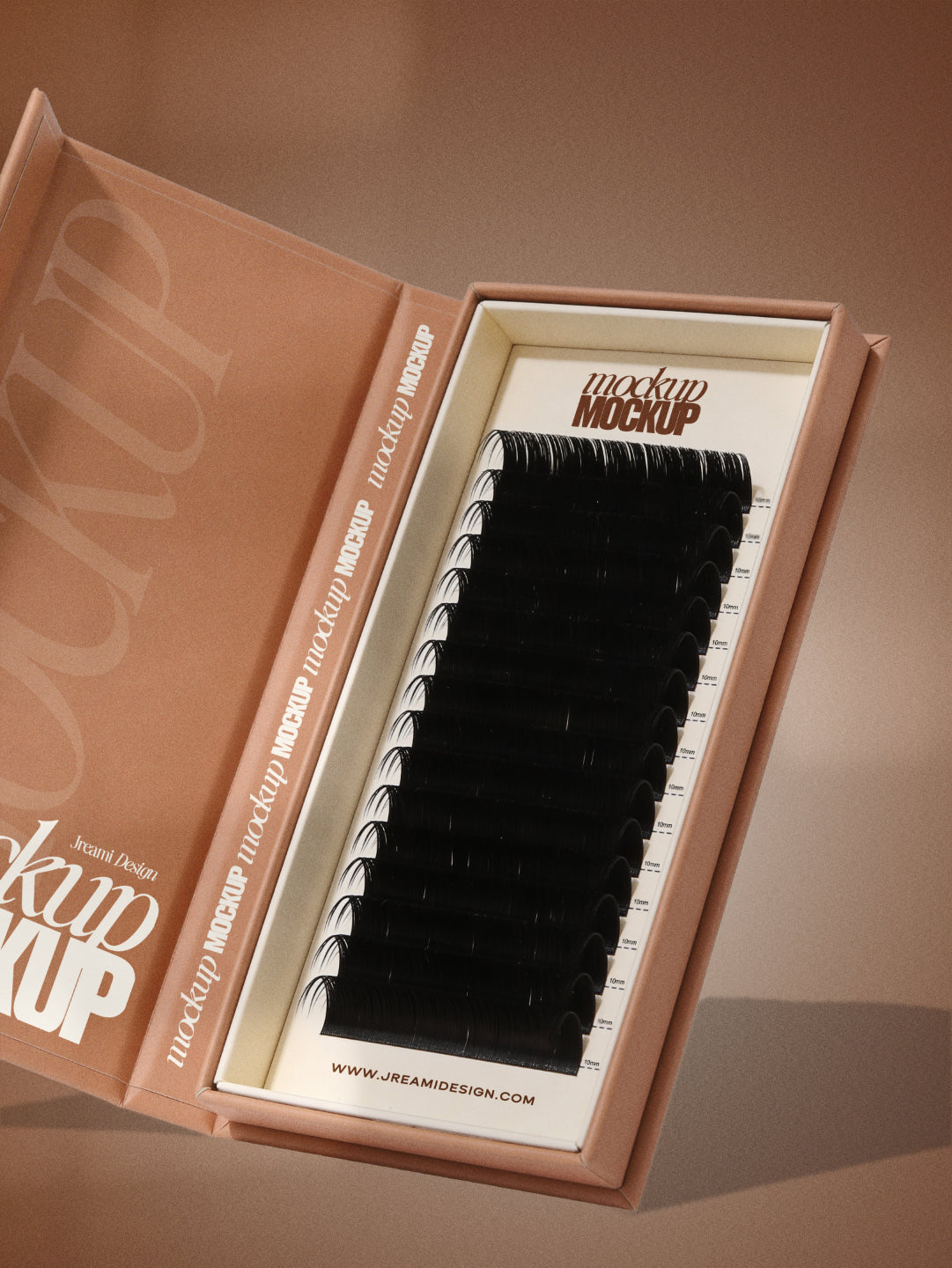
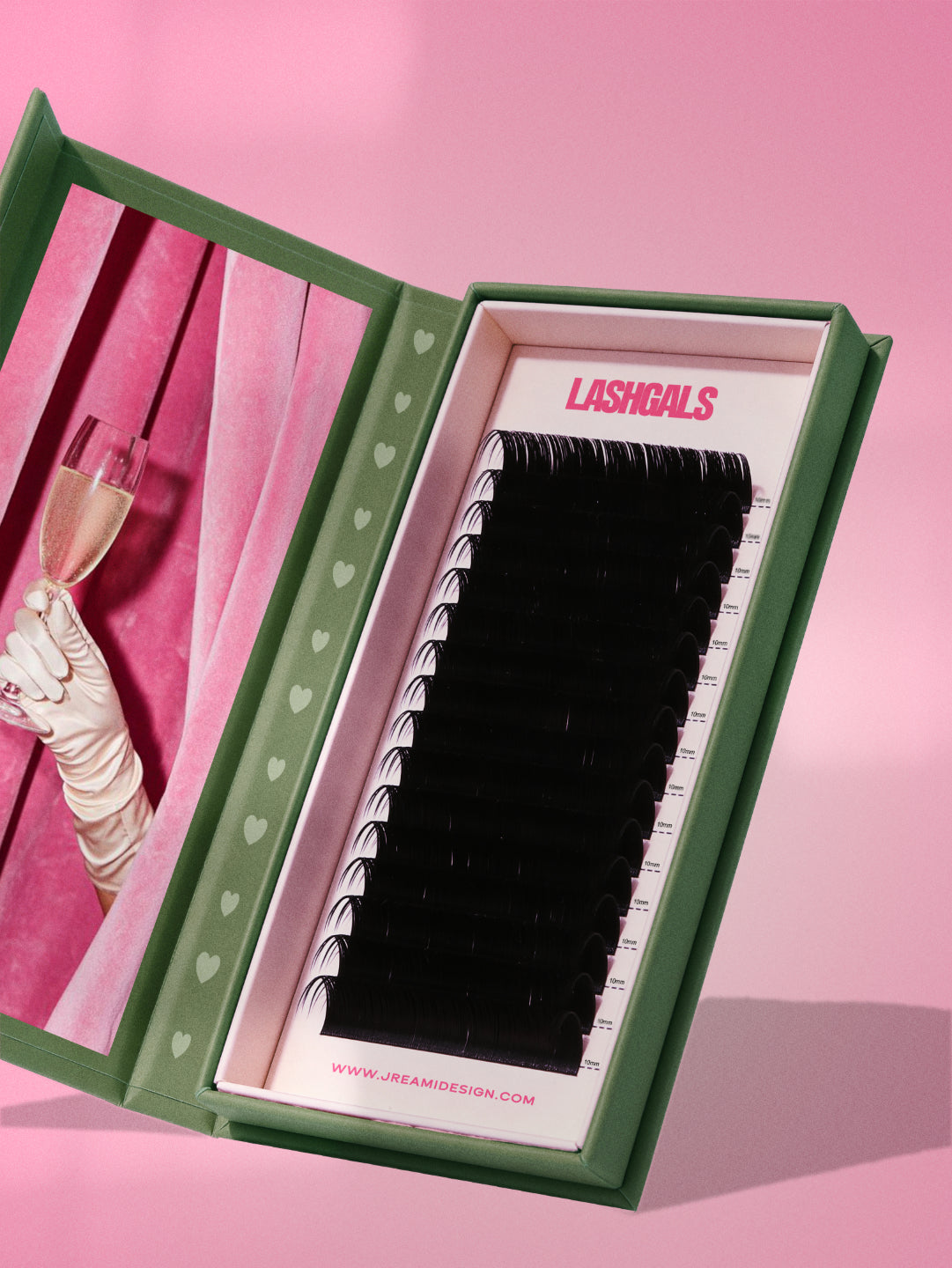
An angled overhead close-up that shows your packaging the way a client inspects it. Outer box and inside, edges and finish, nothing hidden.
Made for designers who want the craft to be the selling point. Use it in packaging portfolios and detailed client presentations where print quality and finishing matter.
Brown and cream styling keeps the focus on your design, not the props.
Built for Affinity with smart embedded layers. Drop your design onto the outer packaging and inside, adjust the colours, export. Lash brands editing their own packaging can use it just as easily.
What's inside
- 1 styled lash box close-up mockup
- Affinity file (.af)
- Video tutorial
- Commercial licence for client work
Made for
- Packaging design portfolios
- Detailed client presentations
- Print and finish approvals
- Product listing images
What you can edit
- Outer packaging design
- Inside packaging design
- Packaging colour
- Background colour
Questions
Can I change the background and packaging colours?
Yes. Both the background colour and the packaging colour are editable, so you can match the scene to your client's brand.
Can I use this for client work?
Yes. The commercial licence covers client work, so you can design the packaging, present it, and deliver the finished mockup images for their marketing. You can't resell or share the mockup file itself.
Do I need advanced Affinity skills?
No. Your design goes into a labelled embedded layer and the mockup handles the fit. The video tutorial walks you through it step by step.
Which version of Affinity do I need?
Affinity version 3. The files were built in Affinity 3, so make sure you're on that version before you buy.

