Skip to product information
1 of 3

Poster Frame Mockup

Poster Frame Mockup

$35.00 USD
Affinity

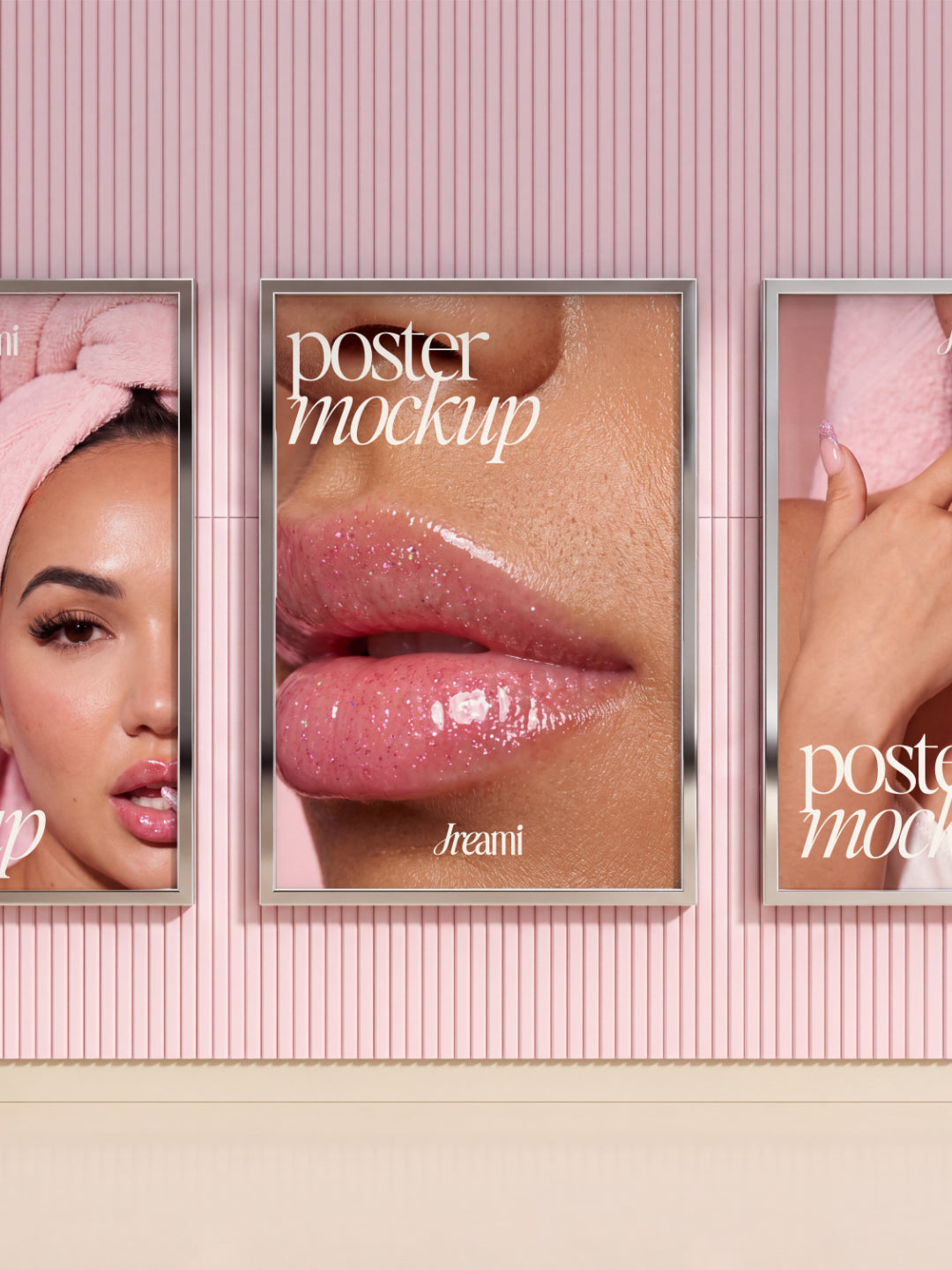
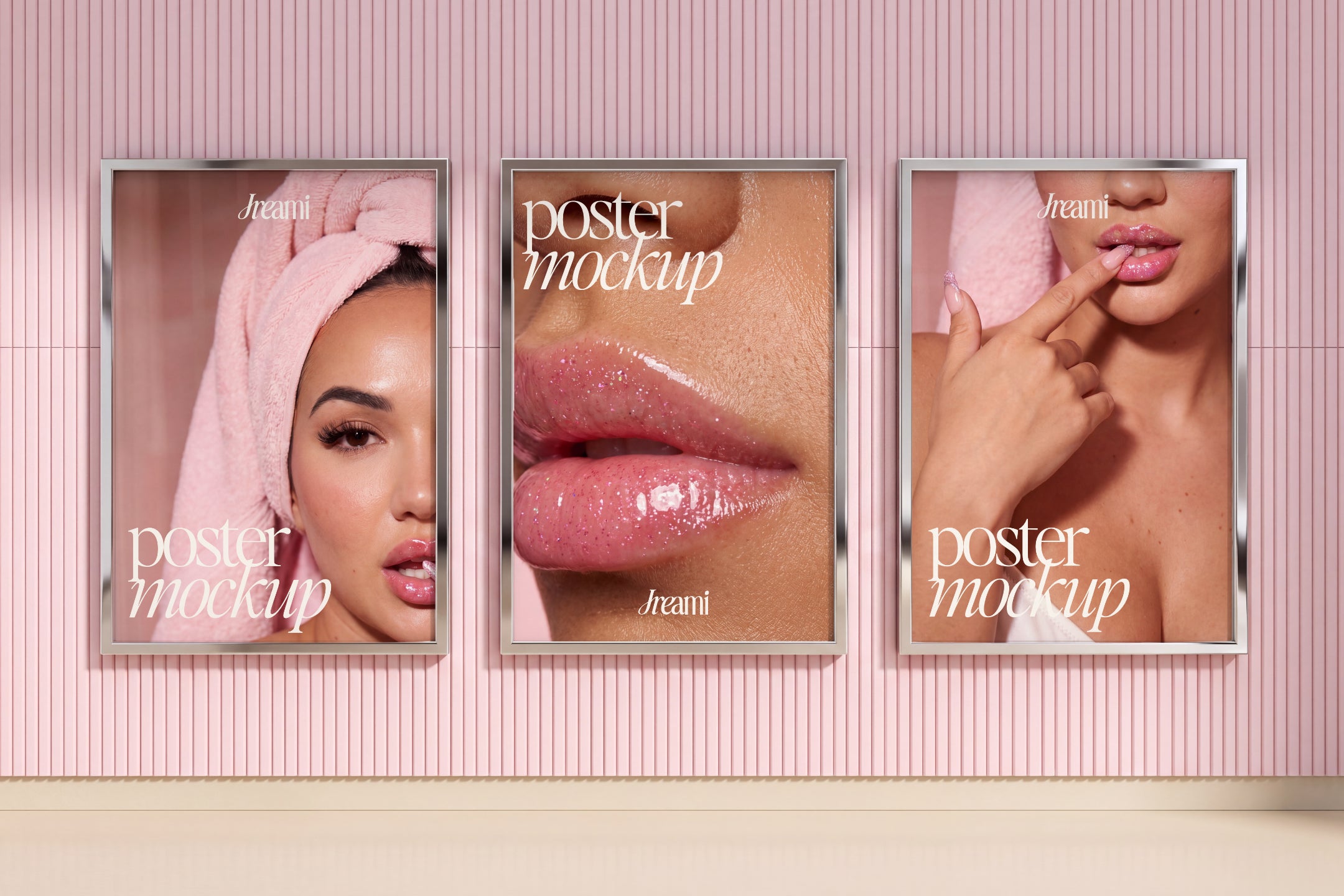
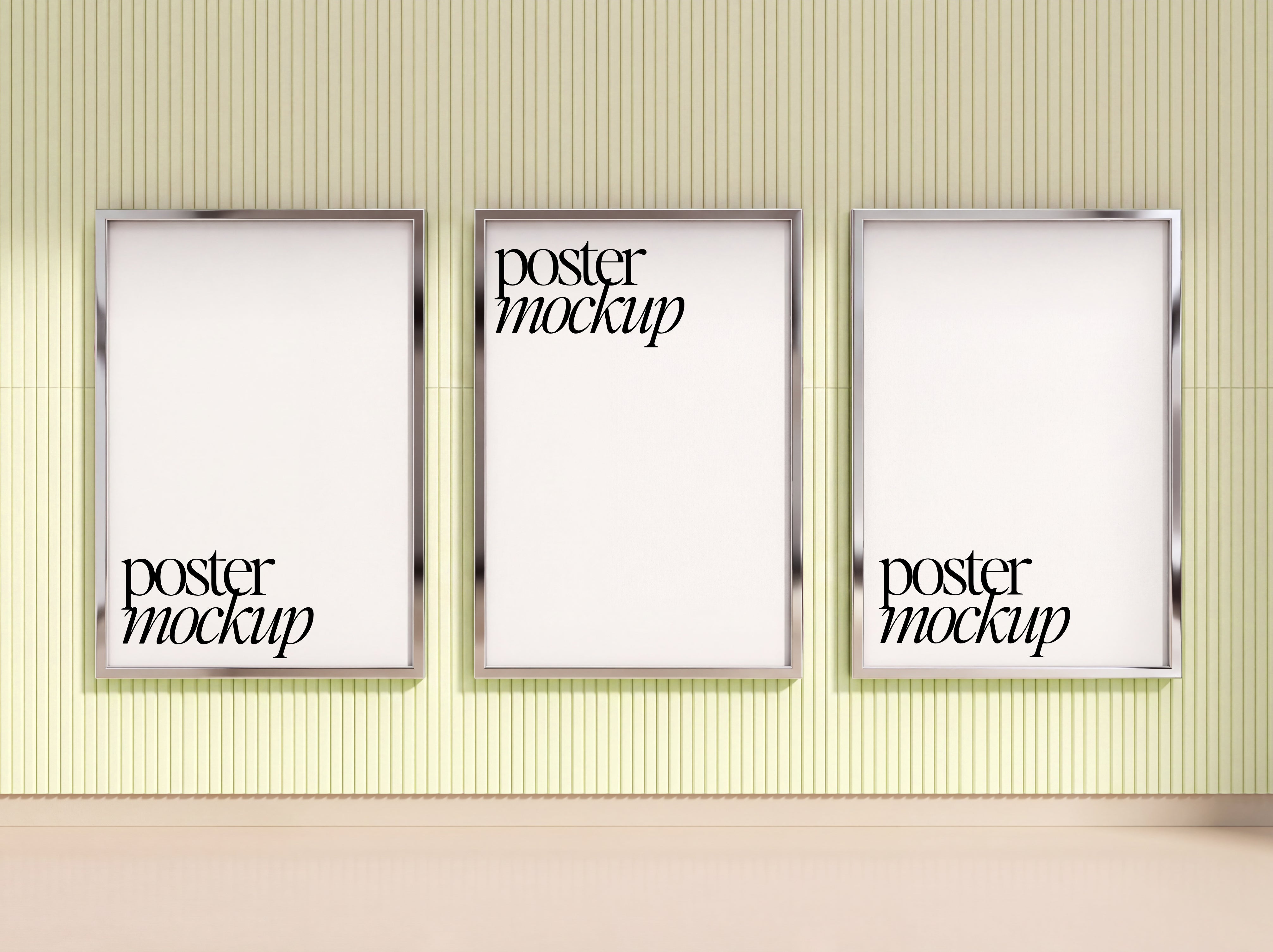
Get one powerful Affinity Designer file containing 3 professional poster displays on a single canvas. Beautiful beauty and skincare aesthetic with a customizable pink ribbed wall background.

This isn't a template you watch. It's a native Affinity file you open and customize completely. Insert your images into the smart layer areas. Edit the text to match your branding. Change the wall color to fit your vision. Everything is fully editable.

Perfect for showcasing product photography, beauty launches, skincare promotions, or any content that deserves professional display. The three poster format creates depth and visual interest while keeping everything organized on one canvas.

Use this mockup for social media presentations, client mockups, product portfolios, marketing materials, or portfolio pieces. The professional setup and smart layers make customization fast and intuitive.

All smart layers are embedded and labeled so you know exactly where and how to add your images. Text layers are ready for your branding and messaging. The background color adjusts with a single click.

What's Included?

  • 1 Premium Styled Mockup - Poster frame mockup
  • Affinity Designer File (.af) - Optimized for smooth editing
  • Smart Embedded Layer - Works similar to Photoshop smart objects for easy design insertion
  • Editable Elements - Add text, customise colors
  • High-Resolution Export - Web-ready quality
  • Commercial License - Use for client work and product listings
  • Instant Digital Download - Start using immediately

Specifications

  • File Format: .af (Affinity native formats)
  • Software Compatibility: Affinity
  • Resolution: High-resolution 4K | 300DPI
  • Mockup Types: Posters
  • Delivery Method: Instant digital download via email
  • License Type: Personal and commercial use included

How To Use

  1. Download your mockup files immediately after purchase delivered straight to your inbox
  2. Open your mockup in Affinity 
  3. Insert your design into the designated embedded layers, your work automatically fits the mockup
  4. Customize colors, adjust details, export, and present with total confidence
View full details
 

AFFINITY mockups IN USE


WHY OUR customers LOVE OUR PRODUCTS

These mockups are built for Affinity Studio. They won't open in Canva, Photoshop, or Illustrator so just double-check you have Affinity before purchasing.

Yes. The files are set up to be as straightforward as possible. You'll place your design into a designated layer, and the mockup does the rest.

Yes. You can use these mockups to present and deliver work to your clients. You cannot resell, share, or redistribute the files themselves.

Your download link will be sent to your email immediately after checkout. If you don't see it, check your spam folder first then feel free to get in touch.

Because these are digital downloads, refunds aren't available once the files have been accessed. If something isn't working as expected, reach out and I'll do my best to help.