Skip to product information
1 of 4

Service Guide Canva Template

Service Guide Canva Template

$48.00 USD
Canva

Get a complete 8-page service guide template for Canva. Organized, professional layout where you input your services, pricing, packages, and add-ons. Fully customizable colors, text, fonts, images, and branding.

This template eliminates the design process. Stop creating new documents for every client. Use this professional template, customize it to your brand, and export as PDF to present to clients.

Perfect for designers, branding agencies, web designers, photographers, consultants, coaches, or any service provider who needs a professional way to display their services and pricing. The organized layout builds confidence and makes client communication clear.

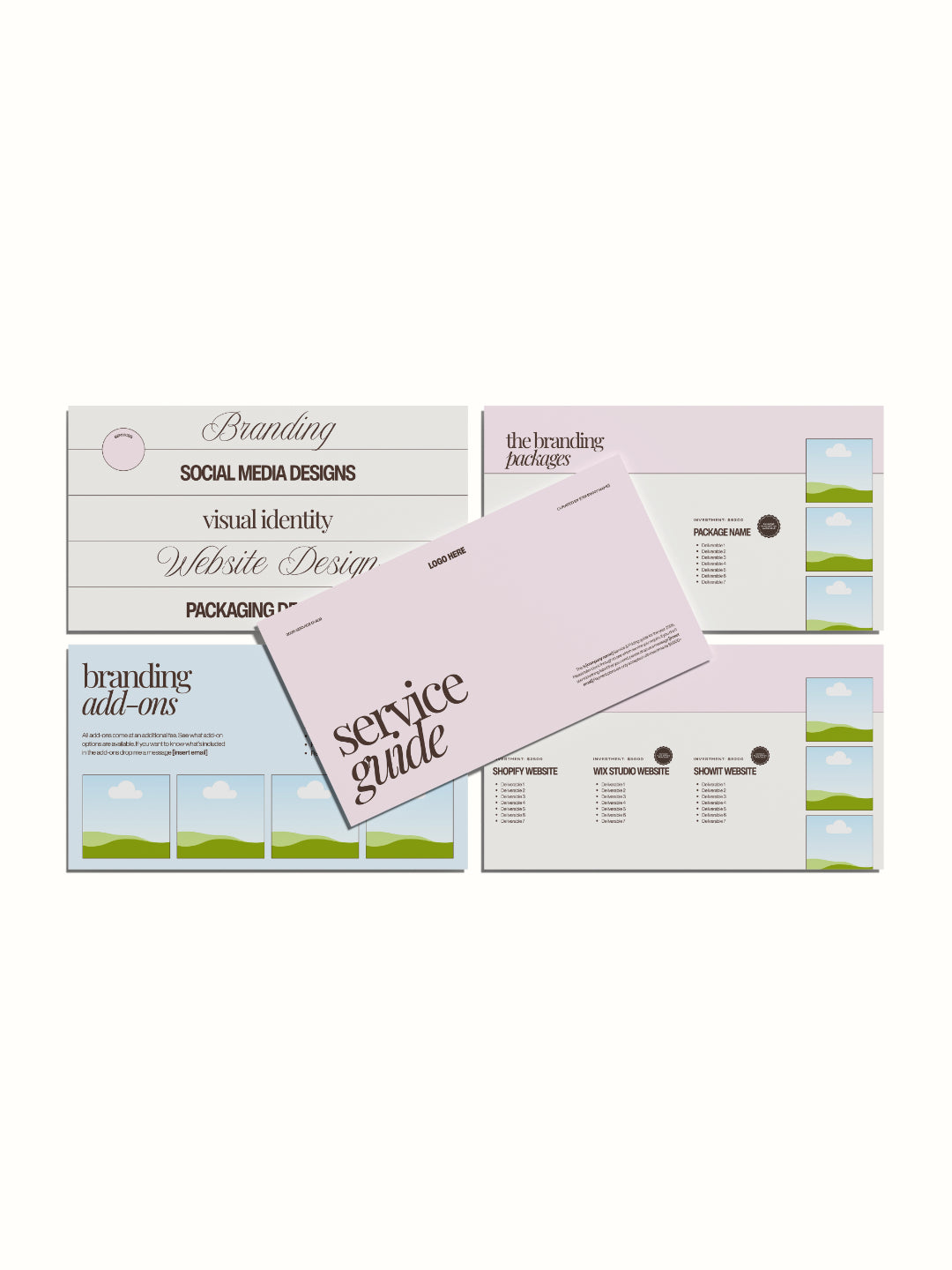
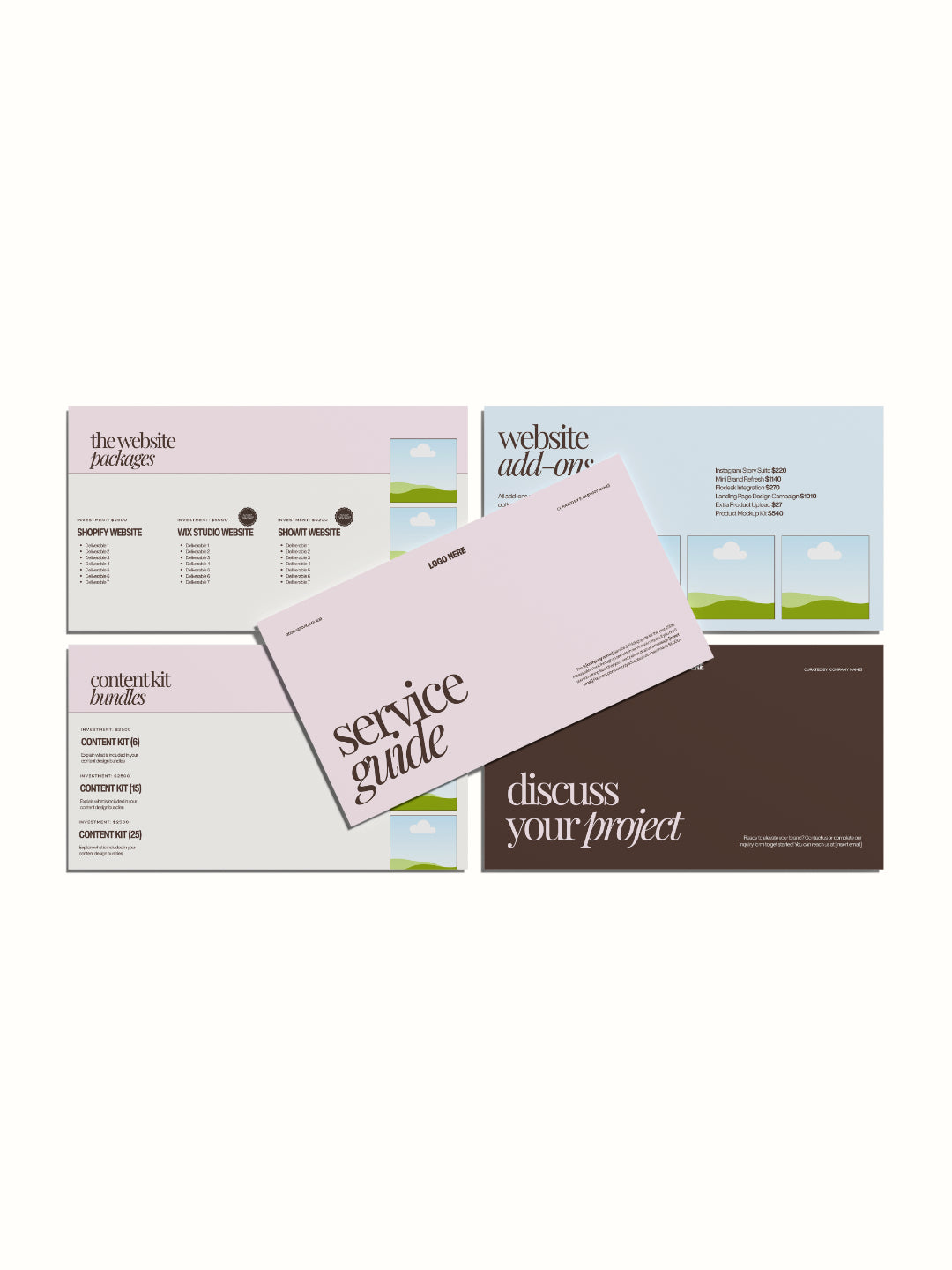
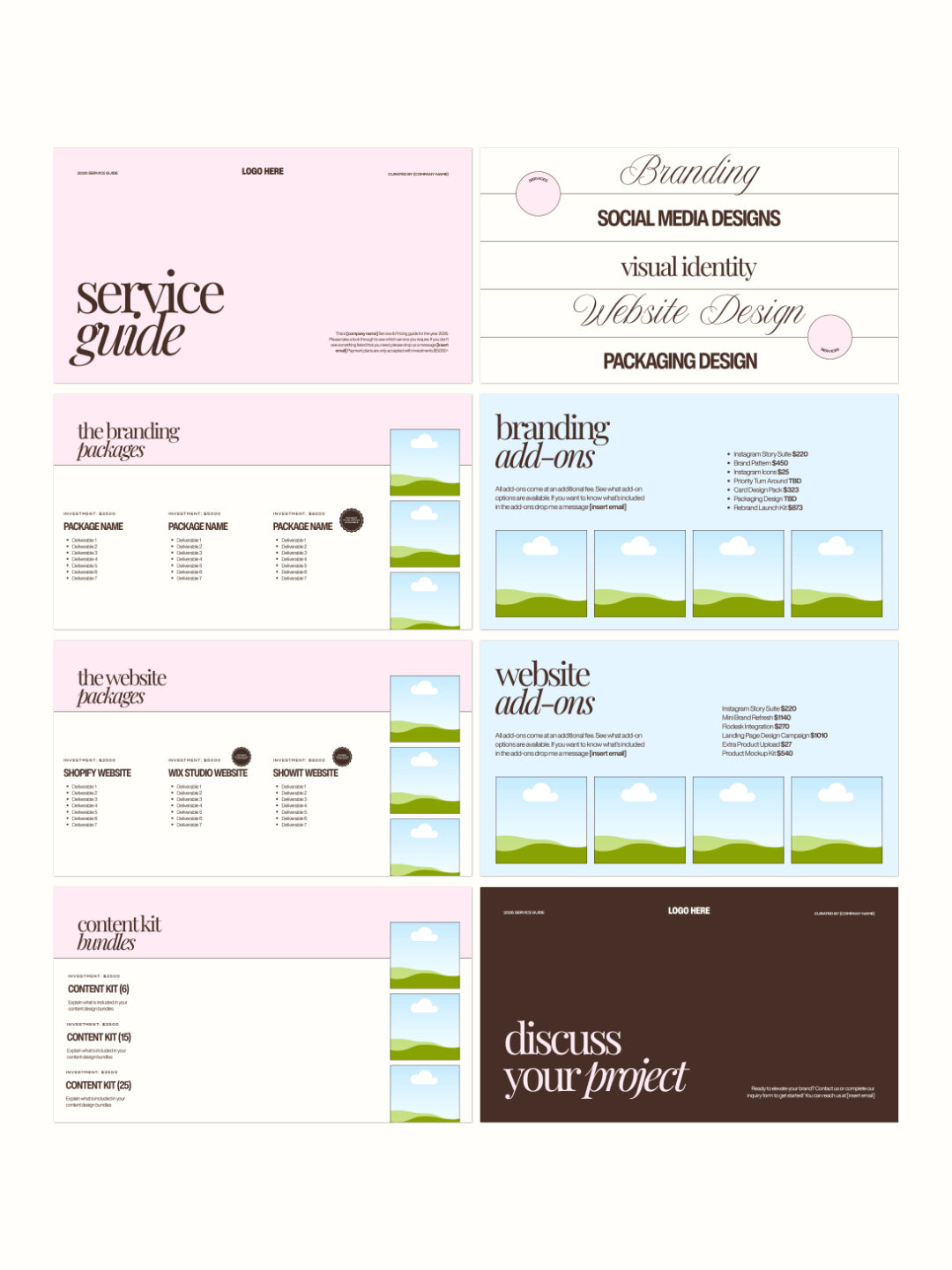
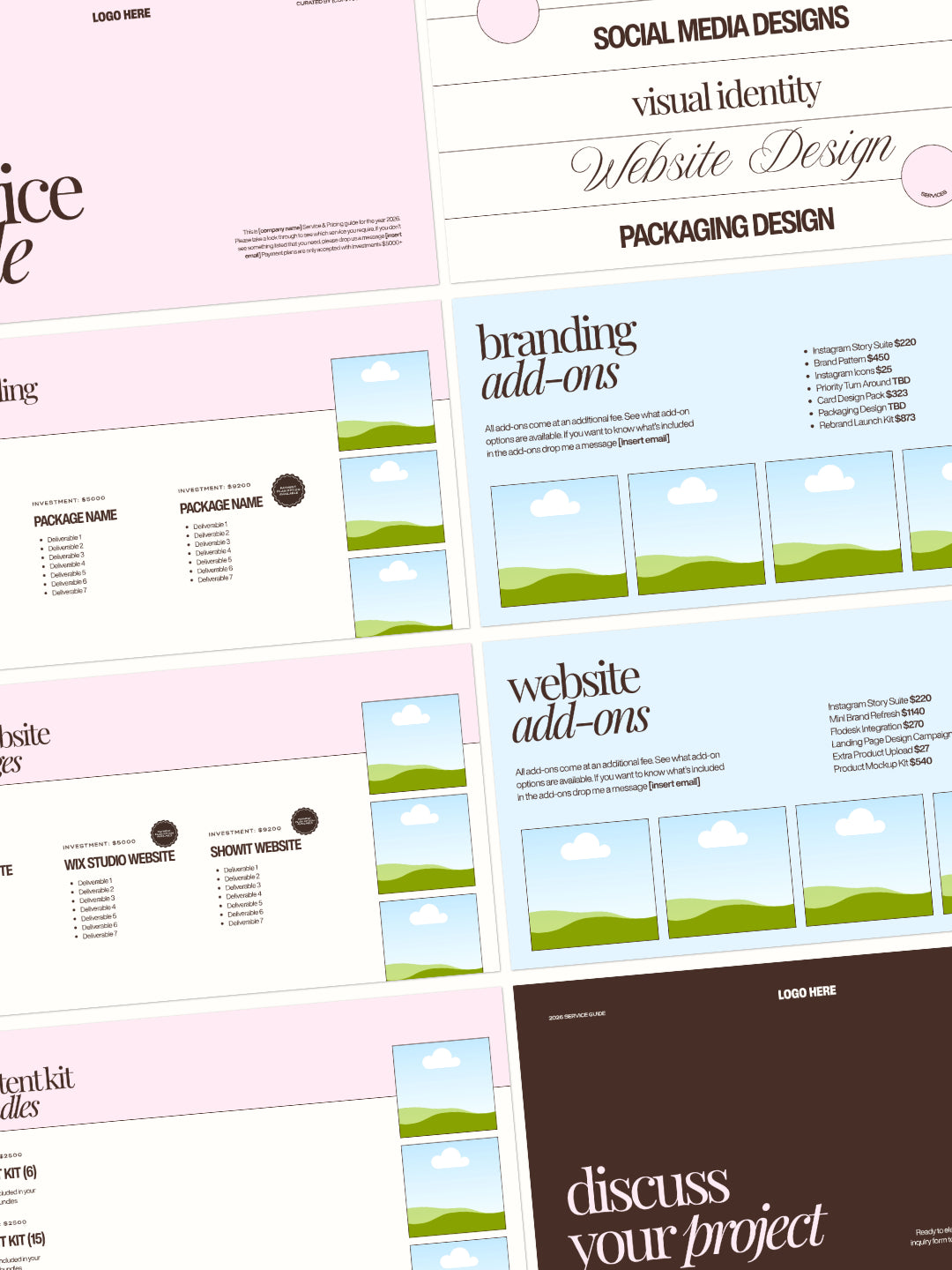
Includes 8 pages: cover page, services overview, branding packages, branding add-ons, website packages, website add-ons, content kit bundles, and call-to-action closing page.

Every section is fully editable. Change the services listed, input your pricing, adjust colors, swap fonts, add your logo, insert photos. Create a guide that looks like you designed it professionally while saving hours of design time.

What's Included

Professional Pages:

  • Cover page (customizable title and logo)
  • Services overview page (list your main services)
  • Branding packages page (pricing tiers)
  • Branding add-ons page (additional services)
  • Website packages page (service options)
  • Website add-ons page (extras)
  • Content kit bundles page (bundle options)
  • Closing page (call to action)

How To Use

For Canva Users:

  • Access the Canva template link from your download
  • Duplicate the design to your Canva account
  • Replace placeholder images by dragging your designs onto the template
  • Edit text fields
  • Download as PDF to present to your client

Benefits

8 Professional Pages - Complete service guide covering all essential information from introduction to call-to-action in organized flow

Fully Customizable Pricing - Input your exact pricing, packages, and tiers without any design restrictions or limitations

Service-Ready Layout - Pre-designed sections for branding services, website services, add-ons, and bundles save design time

Branded Aesthetics - Premium pink and blue color scheme that looks intentional and professional while remaining fully customizable

No Design Experience Needed - Canva's simple interface makes it easy to edit text, update pricing, and customize without design skills

Logo and Photo Integration - Dedicated placeholder areas for your logo and service photos integrate seamlessly

Multiple Service Types - Template structure works for designers, agencies, consultants, photographers, coaches, or any service provider

Reusable Template - Use the same guide with seasonal updates, price changes, or new service additions across unlimited projects

Client Communication - Organized, clear presentation reduces questions and builds professional impression with potential clients

View full details
 

OUR templates IN USE


WHY OUR customers LOVE OUR PRODUCTS

A free Canva account will work for most elements, but some fonts or features may require Canva Pro. Where Pro is needed, I'll flag it in the product description so there are no surprises.

After purchase, you'll receive a link to your email. Just click, copy to your account, and start editing.

Some templates include an Affinity version as a bonus in the download; check the individual product listing to see if yours does. If it's included, you'll find it in your download alongside the Canva link.

Canva is designed to be beginner-friendly, and these templates are set up to make editing as simple as possible. If you get stuck, Canva's own help centre is a great resource, and you're always welcome to get in touch.

Due to the nature of digital products, refunds aren't available once the template has been accessed. If something isn't working as it should, reach out and I'll get it sorted.